
|
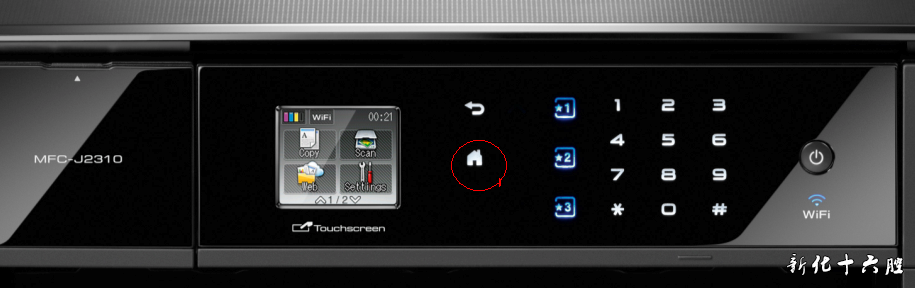
Brother Zeroing Manual J6720DW J6710DW J6520DW 2510.2520.2320.4210.4710.3720.3520.4510 Can solve the problems shown The ink recycling box is full and will prompt a problem. Step one Press and hold while the printer is in standby modeHome buttonabout5Second, make the display screen show the following screen.
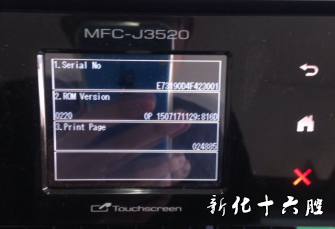
Step two Press and hold the button below the LCD screenBlack areaabout2 seconds, make the display screen show the following screen.
Download the attachment and view the following steps  Brother Zeroing Manual. rar
(688.79 KB, download count: 132)
2018-10-27 08:10 Upload
Click on the file name to download the attachment
Unzip password: www.16qiang.cn. If clearing one item still prompts to execute the next two steps, only clear three counts:PURGE:0000XXXXXFLSBK:0000XXXXFLSCL:0000XXXXsettledPURGE It also prompts that the ink recycling box is full, and the same method is used to find itFLSBK\FLSCLJust reset it to zero.Press the down key several times until FLUSHING is displayed. Right click once to display FLSBK: 000XXXXPress 2783 to reset sequentially |
Address of this article:https://073868.com/post/5840.html
Copyright Notice:
For relevant infringements, reports, complaints and suggestions, please send E-mail:weixiuwang68@qq.com
Tags: #MFC-J3720 #2510 #2320 #Zeroing out






