
|
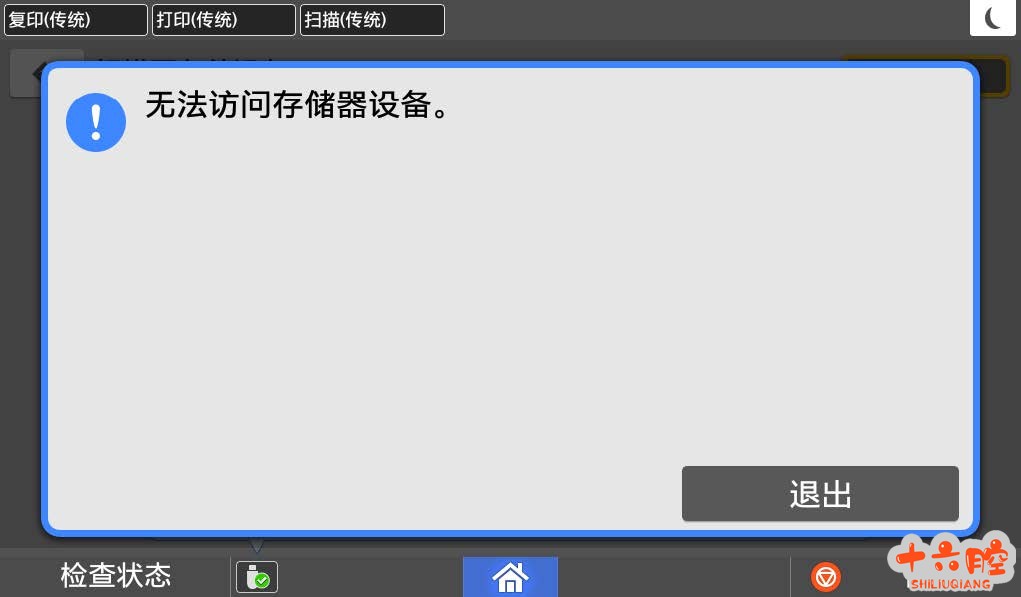
Ricoh new copier (touch screen) can not use U disk scanning When scanning with a USB flash drive, the machine displays as inaccessible. Maintenance process 1. After inspection, it was found that the USB flash drive used is 64GB in size and exFAT format. When using the "scan/print (storage device)" function, it shows that the storage device cannot be accessed;
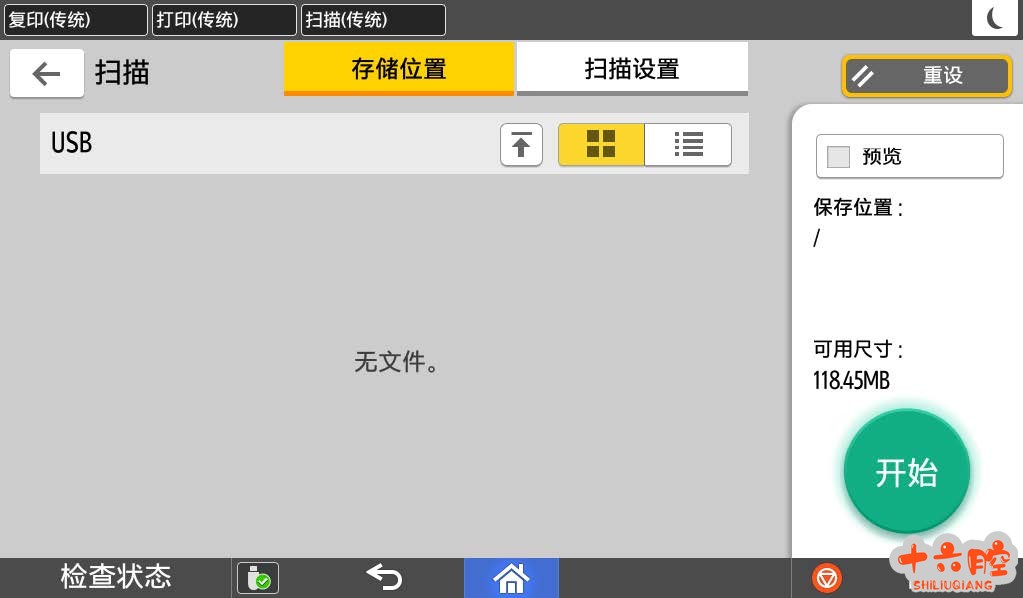
2. After testing, when using the "Scan (Traditional)" function of the MFP, the USB flash drive formats that the MFP can recognize are FAT and FAT32; When using the "scan/print (storage device) function, MFP can recognize FAT, FAT32, and NTFS formats, but cannot recognize exFAT format; 3. After reformatting the USB drive to NTFS format, the MFP can recognize and use the scanning function normally.
|
Address of this article:https://073868.com/post/5756.html
Copyright Notice:
For relevant infringements, reports, complaints and suggestions, please send E-mail:weixiuwang68@qq.com
Tags: #Scan







