
|
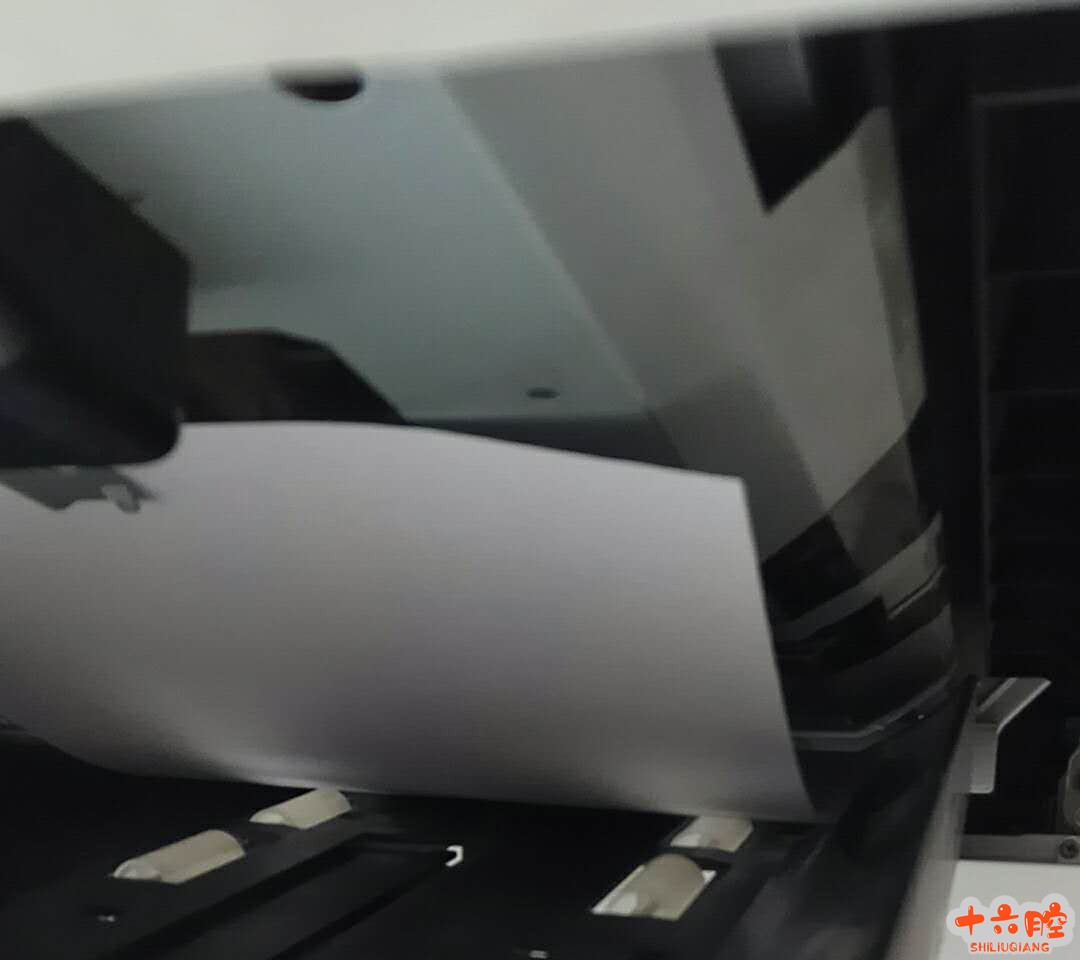
An MPC6502SP, C8002 machine displays fault code SC516-02 during duplex copying, with the leading edge of the paper jammed in the duplex unit’s feed section.
Reason According to error definition: sensor moving motor edge detection error When an error occurs during the edge detection of the sensor movement motor, the machine handles as a paper jam (JAM097) and stops running, and the SC516-01 number is displayed on the control panel.
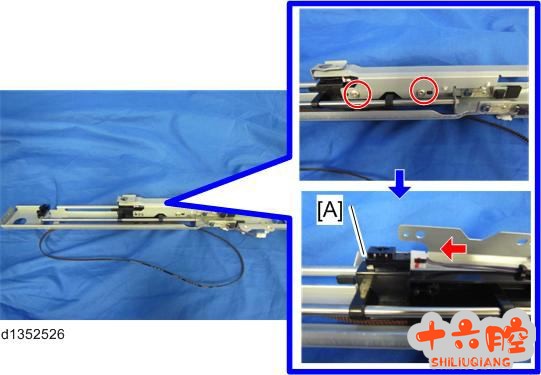
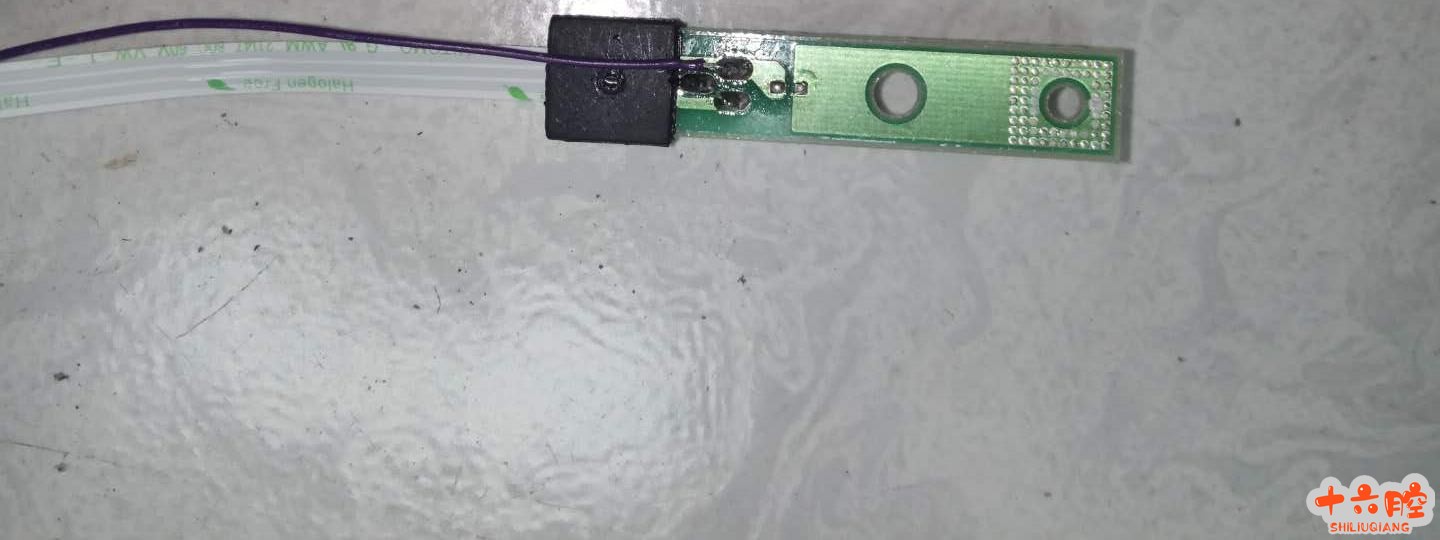
Maintenance process 1: Through the output detection sensor to move the motor is normal, eliminate the problem of bad motor 2: Through the input detection edge detection sensor, it is found that the output of the edge sensor is abnormal. 3: When disassembling and dismantling the edge detection unit, it is found that the connecting wire connector of the sensor is disconnected (see the photo below). The on-site judgment is caused by the deformation of the track of the sensor moving motor. 4: replace the new edge detection unit troubleshooting.
Solution: Replace the new edge detection unit (D1364528) |
Address of this article:https://073868.com/post/5738.html
Copyright Notice:
For relevant infringements, reports, complaints and suggestions, please send E-mail:weixiuwang68@qq.com






