
|
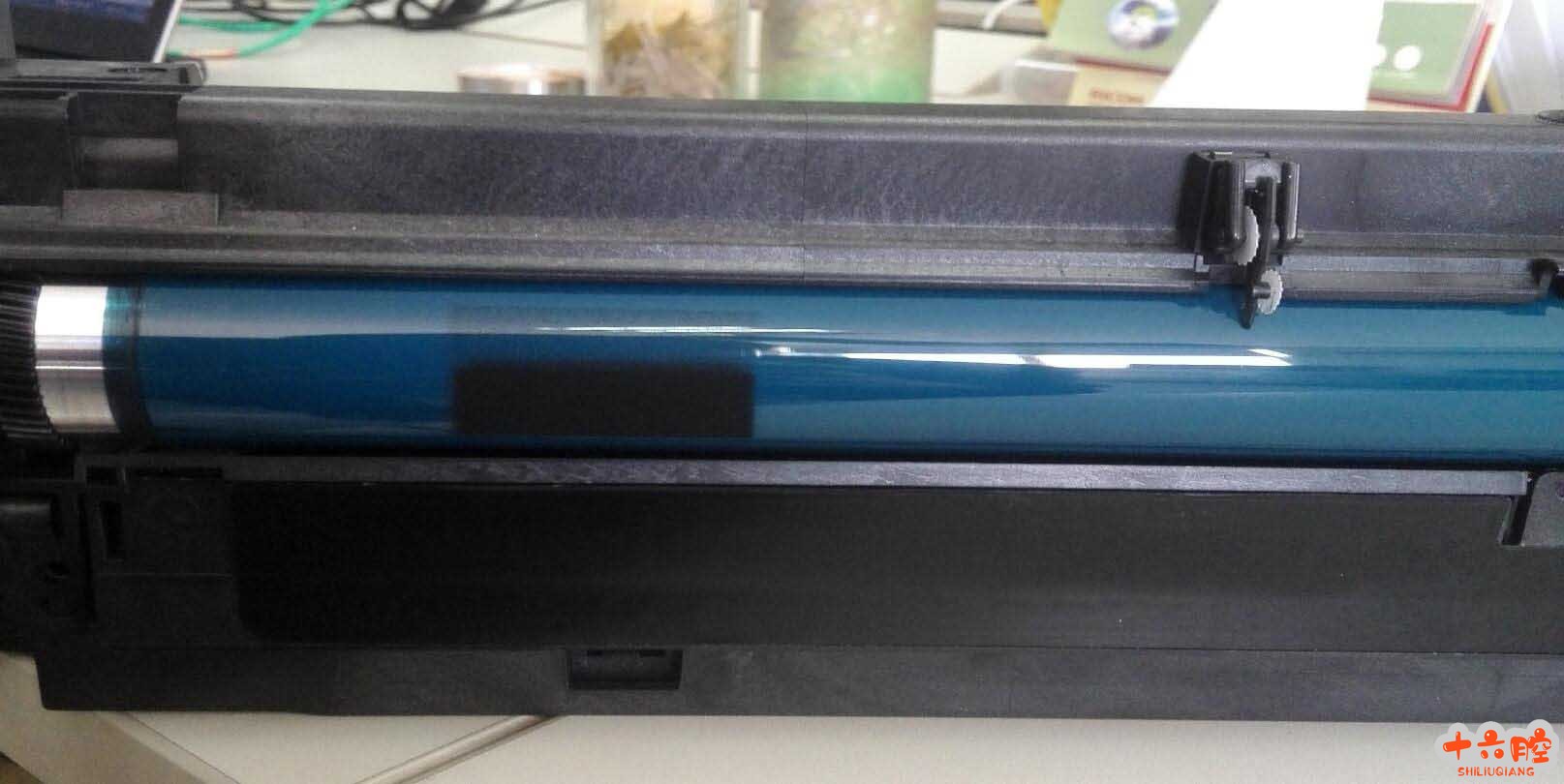
Symptoms SC350 fault code appears after the machine is turned on 2) Check the wiring harness of the laser unit and no abnormal connections were found. The fault persists even after plugging and unplugging the harness. 3) Clean the ID sensor, but the fault persists. 4) Upon inspection of the PCU unit, residual ID sample images were found on the OPC drum, but the imaging position deviated from the detection area of the ID sensor. (As shown in the following figure)
5) After executing SP5-801-001, the SC350 code disappeared. After re entering the preset SP value inside the front door of the machine, the machine returned to normal. Solution After executing SP5-801-001, reset the relevant SP values according to the factory preset values inside the front door of the machine. |
Address of this article:https://073868.com/post/5650.html
Copyright Notice:
For relevant infringements, reports, complaints and suggestions, please send E-mail:weixiuwang68@qq.com





