
|
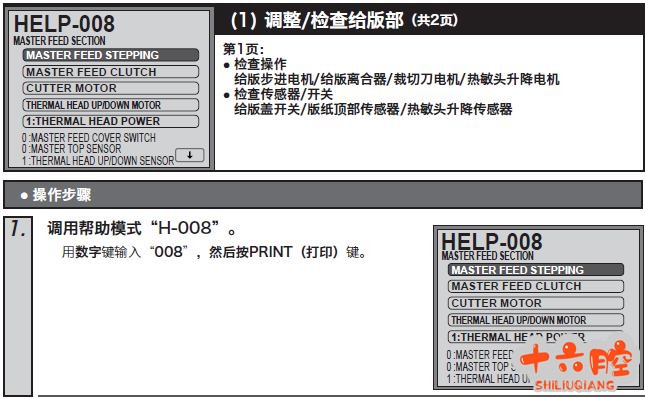
Symptoms Jisideye CP7450C starts up normally and self checks ready. During the plate making process, it reports E045 and occasionally E001 Measures 1. Replace the motherboard, drive board roller position sensor 1, and roller position sensor 2, but the fault persists; 2. Replace the main motor and main motor drive board, but the fault persists; 3. Later, it was found that the wax paper was not cut after hanging during the plate making process (the paper cutting knife did not move, did not cut the wax paper). Use maintenance mode to check that the paper cutting knife did not move
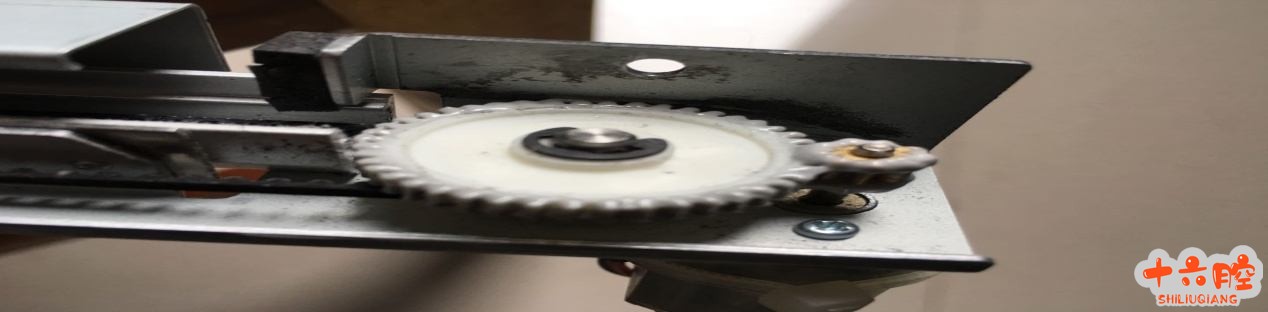
4. Remove the paper cutter to inspect and lubricate the gears and shaft sleeves, and troubleshoot the issue.
Solution Lubricate the gears and shaft sleeves of the paper cutter and troubleshoot. |
Address of this article:https://073868.com/post/5637.html
Copyright Notice:
For relevant infringements, reports, complaints and suggestions, please send E-mail:weixiuwang68@qq.com





