
|
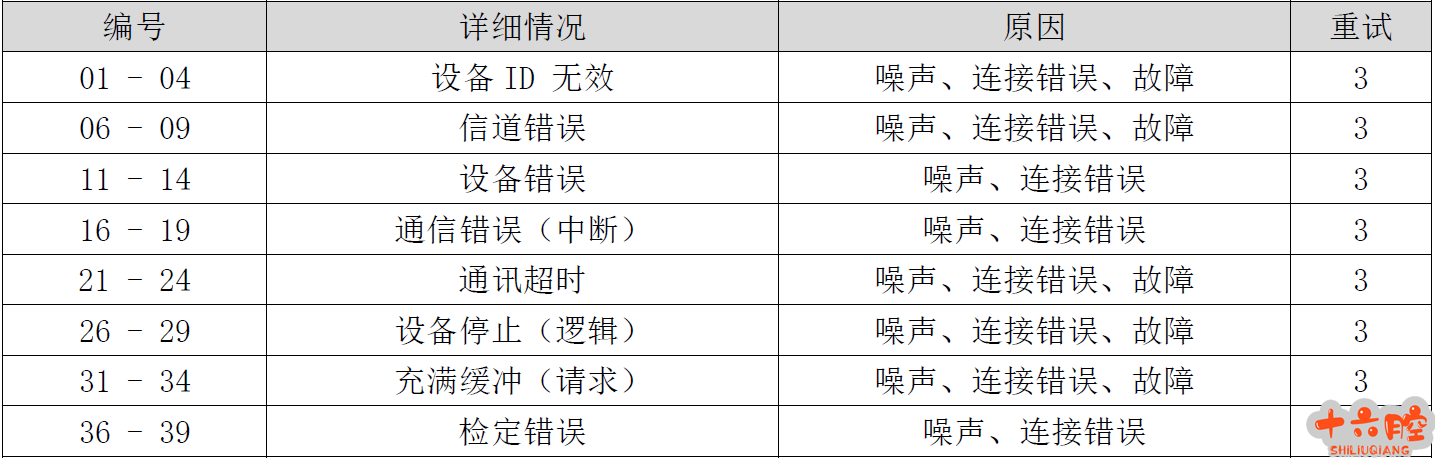
Symptoms The machine prompts SC681-XX, indicating the specific correspondence between the numerical value and the four-color powder. SC code corresponds to the color powder relationship: The last digit of the SC branch number (- * *) is: If it is 1 or 6, perform the above steps for black 2 or 7, then perform the above steps for magenta color If it is 3 or 8, perform the above steps for cyan If it is 4 or 9, perform the above steps for yellow Code meaning Color powder bottle: ID chip communication error Reason for malfunction: ID data corruption, ID chip disconnection, no ID chip, noise SC681 Details
Detection Steps 1. Clean the ID chip connection in the toner bottle, and then check if there are any broken pins on the ID chip contact board (PCB3) (PCB4) (PCB5) (PCB6) connectors. If any pins are broken, please replace the ID chip contact board (PCB3), (PCB4), (PCB5), (PCB6). 2. Reconnect the connectors between the imaging IOB (PCB2) and the ID chip contact board (PCB3) (PCB4) (PCB5) (PCB6). 3. Reconnect the FFC between the imaging IOB (PCB2) and BICU. 4. Replace the ID chip contact board (PCB3), (PCB4), (PCB5), and (PCB6). 5. Reconnect the connectors between the imaging IOB (PCB2) and the ID chip contact board (PCB3) (PCB4) (PCB5) (PCB6). 6. Replace the FFC between the imaging IOB (PCB2) and BICU. 7. Replace the imaging IOB (PCB2). 8. Replace BICU (PCB10). |
Address of this article:https://073868.com/post/5614.html
Copyright Notice:
For relevant infringements, reports, complaints and suggestions, please send E-mail:weixiuwang68@qq.com
Tags: #SC681 #Color powder bottle #ID chip #BICU #Contact plate







