
|
Symptoms IM7000 installed SR4160, but encountered paper jam while using the binding function. Maintenance process 1. Check the paper output. There is no paper jam when using the check paper tray to output, but there is a paper jam at R5 position when using the binding function. The paper is stuck at the pre-stacked paper tray and the paper jam code is 164; 2. Due to the normal use before, the problem occurred after moving the position, and it is suspected that the final processing device has deformed; 3. Check the paper output from the calibration tray and find that the paper is skewed;
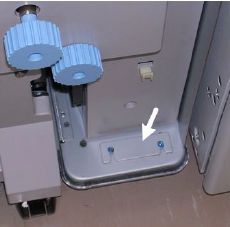
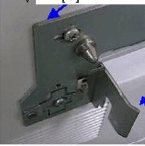
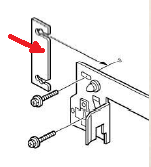
4. Set SP1206 to 2 and turn it off. Try installing a shim on the left side to clear the fault; 5. Finally, set SP1206 to 1 again. |
Address of this article:https://073868.com/post/5550.html
Copyright Notice:
For relevant infringements, reports, complaints and suggestions, please send E-mail:weixiuwang68@qq.com
Tags: #SR4160 #Binding cardboard #7000 #8000 #9000






