
|
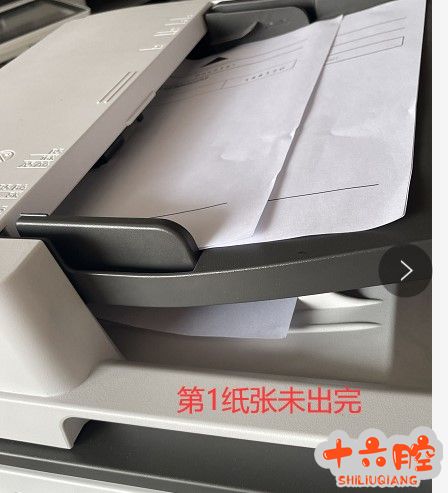
Symptoms An MC2000 machine uses the standard document feeder to scan one sheet and the paper feed roller continuously rotates for 20 seconds to report an error. When scanning multiple sheets, the first sheet is normal, and the second sheet is stuck when entering 1/3.
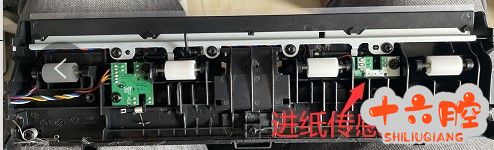
Reason: Paper jam problem due to bad ADF paper path sensor, sensor detection arm, and contact guide. Maintenance process: 1) Re-check the connection harness between the plugged ADF and the motherboard, and the fault remains. 2) Check the separation roller, separation pad sensor arm, contact guide plate, etc. 3) Remove the ADF controller board and exchange the new ADF controller board. The fault persists. 4) Remove the separation motor and the paper transfer motor, and the exchange test failure remains respectively. 5) Replace the paper feed sensor respectively, and the machine tests that the ADF scans multiple originals normally. (See the figure below)
Solution Replace the sensor (D0D81680 ) PHOTOINTERRUPTOR:TRANSPORT (S57). |
Address of this article:https://073868.com/post/5524.html
Copyright Notice:
For relevant infringements, reports, complaints and suggestions, please send E-mail:weixiuwang68@qq.com
Tags: #MC2000 #Document Feeder #Paper jam #Paper feed sensor #G3020c






