
|
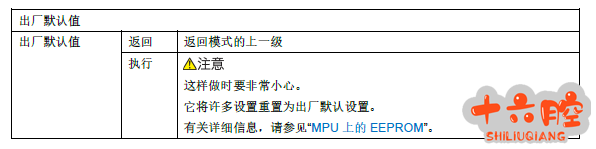
Symptoms M2701 copy color is light. Maintenance process 1. The configuration page or SMC report of the printing machine has a normal print density, but the color of the copied document is light,; 2. Trying to use different types of original documents and adjusting the image density to the maximum value has no effect; After performing a factory reset, the fault was eliminated and the concentration of the copies returned to normal. Specific steps: Enter maintenance mode, move down to find the factory default value, execute it, and restart the machine.
|
Address of this article:https://073868.com/post/5522.html
Copyright Notice:
For relevant infringements, reports, complaints and suggestions, please send E-mail:weixiuwang68@qq.com
Tags: #2701 #Light color






