
|
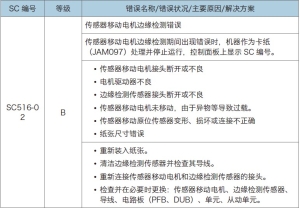
Symptoms: The machine displays SC516-02 during printing
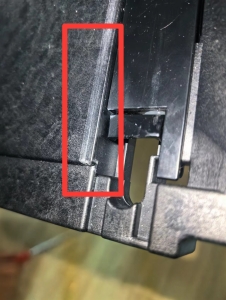
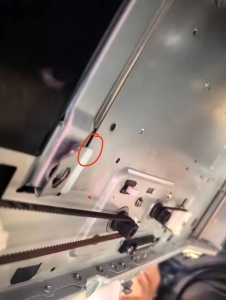
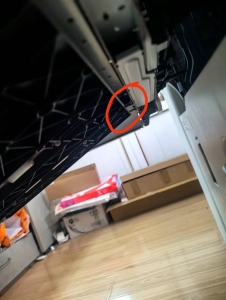
Measures: 1. Check the mobile motor and sensor. The mobile motor test is normal 2. Check the edge detection sensor connector and replace it. The fault still persists after testing. 3. Check if the paper tray is centered and if each tray is functioning properly. 4. Place the paper card in the double-sided moving unit position and find that the front end of the paper has a slope of about 3 millimeters. There are obvious signs of wear on the guide board, indicating that it is likely due to deformation of the guide board, causing the moving hook to scrape against the guide board.
Solution: The fixed position of the double-sided cardboard was deformed, and after correction to the standard position, the machine printed normally.
|
Address of this article:https://073868.com/post/5500.html
Copyright Notice:
For relevant infringements, reports, complaints and suggestions, please send E-mail:weixiuwang68@qq.com
Tags: #SC516-02 #Mobile motor #Sensor #C8002 #c6502







