
|
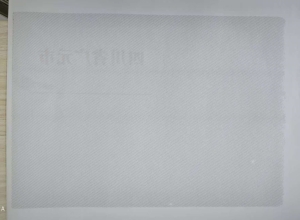
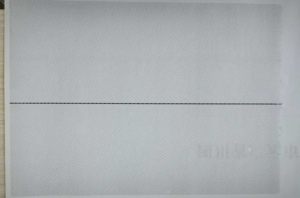
Symptoms: There is an image defect in the plate making printing image parallel to the paper feeding direction
Maintenance process: 1. Using the HELP-030 output thermal head test page, it was found that black defective strips were reproduced. In this case, the original scanning part (CIS) can be basically eliminated, and the problem is likely to be locked to the motherboard, thermal head, and the wiring harness between the two; 2. After replacing the motherboard and resetting the "Thermal Head Resistance Level" (HELP-044), the plate was tested and the fault persisted; 3. Replace the thermal head and reset the "Thermal Head Resistance Level" (HELP-044) for plate testing, and troubleshoot.
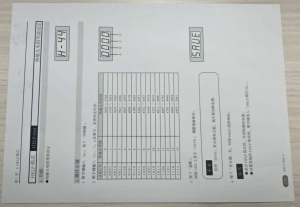
Thermal Head Test Page - Normal
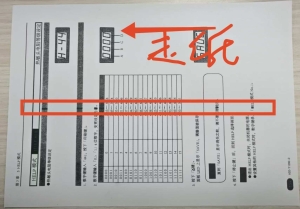
Thermal Head Test Page - Abnormal Repair result: Replace the thermal head. Note: When replacing the motherboard or thermal head, please refer to the resistance value on the thermal head label and use HELP-044 to set the resistance level. |
Address of this article:https://073868.com/post/5474.html
Copyright Notice:
For relevant infringements, reports, complaints and suggestions, please send E-mail:weixiuwang68@qq.com
Tags: #thermal head #Motherboard #2434C #Plate making #Black line







