
|
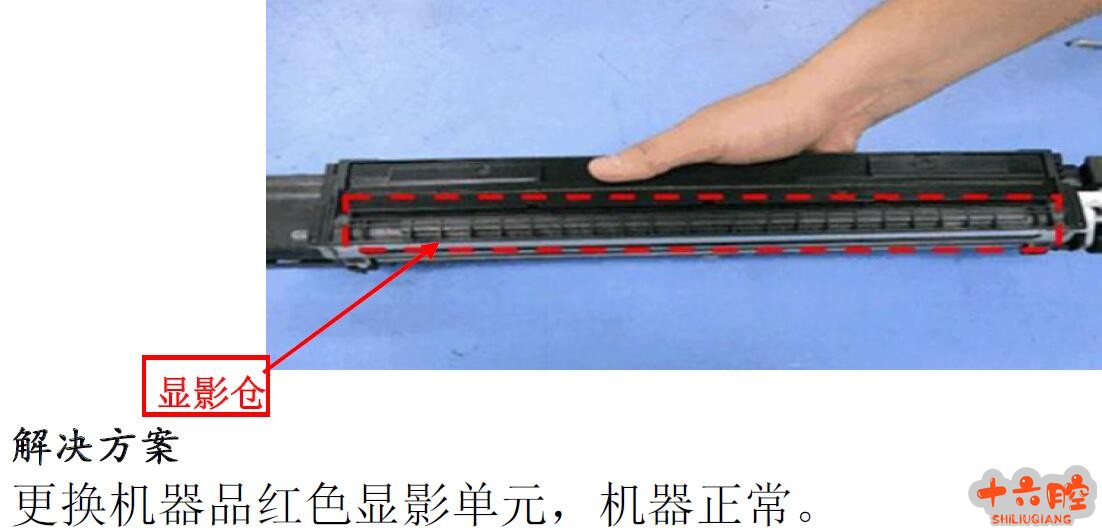
Symptoms SC324-05 code malfunction occurred when the machine started copying. Reason 1) Poor color development motor of the machine. 2) The machine connection connector is disconnected. 3) The problem of damaged machine wires. 4) Poor machine imaging IOB 5) The problem of increased torque in the machine developing unit. Maintenance process On-site maintenance measures: 1) Check the color PCDU motor and IOB board connection harness of the machine, and reset the PCDU position. The fault cannot be eliminated by starting the machine for detection. 2) Replace the imaging IOB board and color PCDU drive motor of the machine, but the fault still exists. 3) Upon folding and inspecting each color development unit, it was found that the toner and carrier in the magenta development were filled to the rear end, resulting in a load with code SC324-05. Replace the magenta developing unit and troubleshoot the issue。(Note: Disassemble the magenta developing unit to check for any malfunctions caused by the uniform dispersion of the developer. After shaking the developer horizontally to ensure even dispersion, it returns to normal. If the malfunction occurs again after using a certain amount, replacing the magenta developing unit is normal.)
|
Address of this article:https://073868.com/post/5455.html
Copyright Notice:
For relevant infringements, reports, complaints and suggestions, please send E-mail:weixiuwang68@qq.com
Tags: #c2000 #c3000 #c6000 #Developing motor #SC324-05






