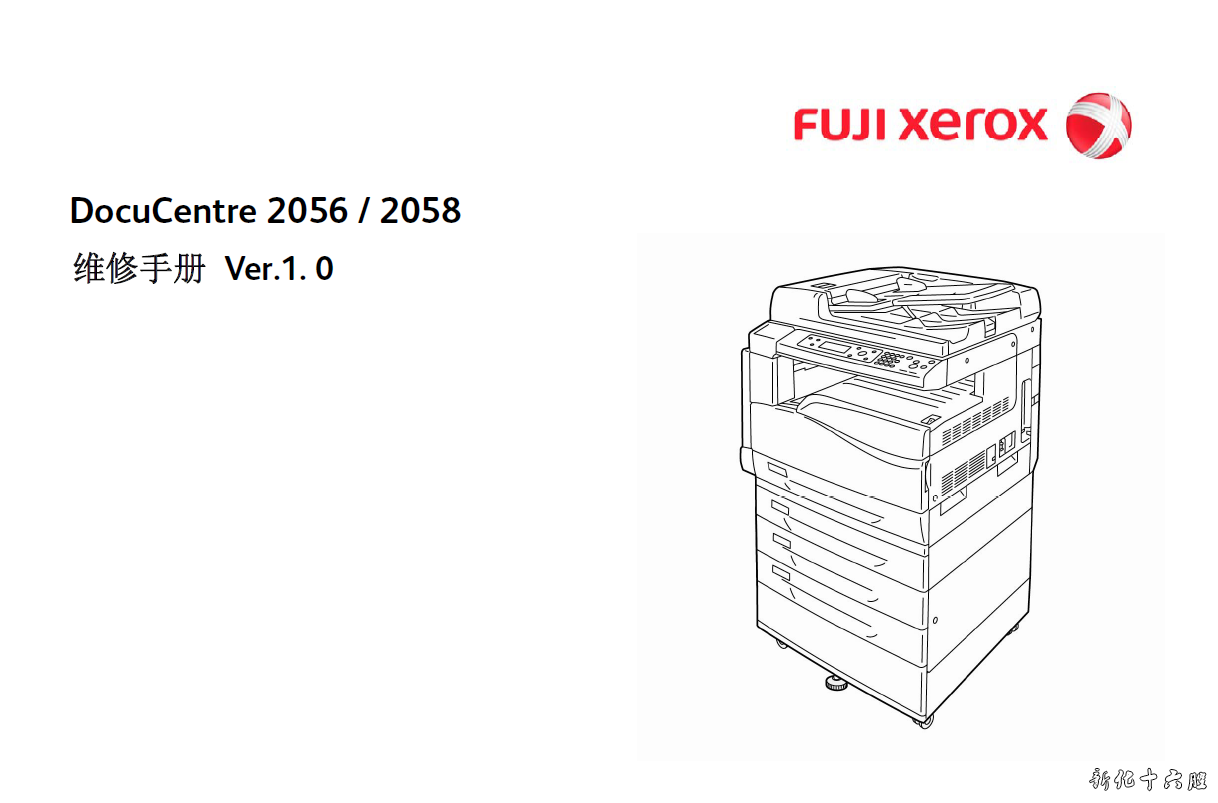
Fuji Xerox Docu Center DC 2056 2058 Copier Chinese Repair Manual Information
Visitor3190
Language: ChineseNumber of pages: 608 pagesFormat: PDF electronic version, no encryptionThe manual is comprehensive and richly illustrated, making it an invaluable resource for maintenance technicians. With this repair manual in hand, you’ll no longer have to worry about disassembling this machine or troubleshooting its issues! Even ordinary users can resolve simple malfunctions by referring to the repair manual.
03-500 N-Up NG Out Of RangeReference BSD:-Any of the following exceptions were detected.At 2-Up or 4-Up, the magnification is not set in the range of 50-200%.At 8-Up, the magnification is not set in the range of 25-200%.Cause/TreatmentPress the [Stop] key on the UI panel to change the setting.Note: If the user does not change the setting when reoperating. The same fault occurs.003-501 N-Up Document Direction MismatchReference BSD:-Any of the following exceptions were detected.· 2-Up or 4-Up, the original does not match the paper direction (SEF/LEF) of the paper supply Tray.· At 8-Up, the original does not match the paper direction (SEF/LEF) of the paper supply Tray.Cause/TreatmentPress the [Stop] key on the UI panel to change the paper orientation.Note:. When reworking, the same fault occurs if the user does not change the orientation of the paper.003-502 Document Direction MismatchReference BSD:-When [Reduce/Enlarge] is set to [Auto], the paper orientation of the original and the tray does not match.Cause/TreatmentPress the [Stop] key on the UI panel to change the paper orientation.Note:. When reworking, the same fault occurs if the user does not change the orientation of the paper.003-503 APS NG Unselected Job CancelReference BSD:-Any of the following exceptions were detected.For CopyJob, APS has been selected, but the paper sizes of Tray 1, Tray 2, Tray 3 and Tray 4 are all ImageDeficiency.For Copyjob, APS has been selected and magnification = 100%, but Tray 1, Tray 2, Tray 3, Tray 4 paperThe size is different from the size of the original.Cause/TreatmentPress the [Stop] key on the UI panel to change the paper.Note:. When reworking, the same fault occurs if the user does not change the paper.003-910 AMS NG Out Of RangeReference BSD:-When [Reduce/Enlarge] is set to [Auto], the magnification is not set in the range of 50 to 200 percent.Cause/TreatmentPress the [Stop] key on the UI panel to change the setting.Note:. If the user does not change the setting when reoperating. The same fault will occur.003-911 APS NG Paper Type MismatchReference BSD:-APS was specified with the same size, but an inconsistent paper type was detected.Cause/TreatmentPress the [Stop] key on the UI panel to change the setting.Note:. If the user does not change the setting when reoperating. The same fault will occur.003-912 APS NG No Paper(Tray 1-A4-Plain)Reference BSD:-Any of the following exceptions were detected.For FaxJob, all Trays specified by APS are different from the paper size (A4) specified in Job, and APS specifiesof Trays, Tray 1 is the preferred order.For FaxJob, the size is the same when APS is specified, but the paper type is different, and Tray specified by APS1 is the preferred order.Cause/TreatmentPull out tray 1 and put in A4 plain paper.Link: https://pan.baidu.com/s/1JRpOcLEJnXATvvEPIYAmUg extraction code: td7m