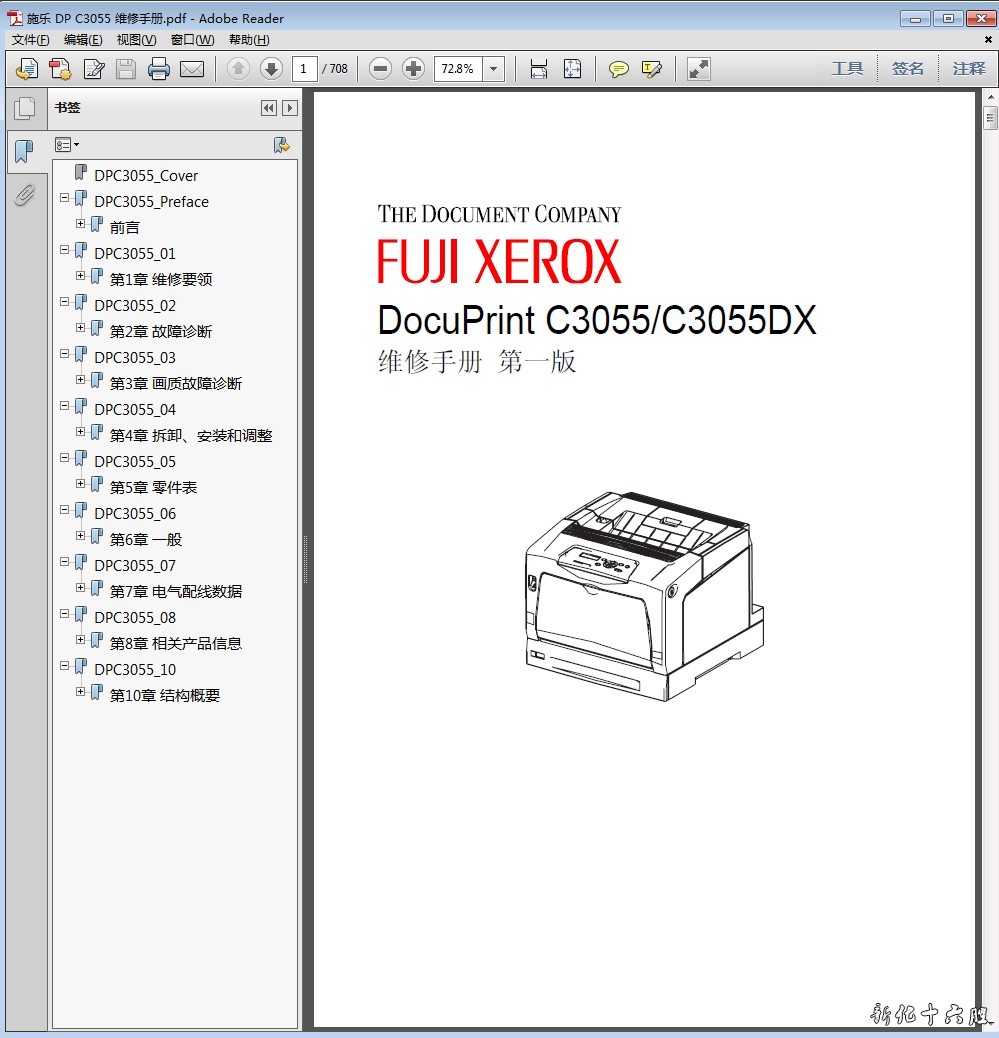
Language: ChineseFormat:PDFElectronic, no encryptionNumber of pages: 708 pagesThe manual is detailed and illustrated. It is a good helper for maintenance personnel. With the maintenance manual, you don't have to worry about the disassembly and troubleshooting of this machine.!Even ordinary users can solve simple faults according to the maintenance manual.
This section presupposes the normal operation of the print controller.Occasionally, a picture quality failure due to the print controller may occur. In this case, only the test printing of the unit unit is implemented, and the test printing is removed.If the failure cannot be confirmed, it can be distinguished whether the failure belongs to the defect of the print controller or the defect of the engine (refer to "test printing of a single 3.2 device").Print OK for MCU PWB test → Bad printer controllerPrint abnormality on MCU PWB test → Bad engineIf it is determined that the printer controller is defective, the printer controller is replaced with a normal printer controller and a normal interface cable, and confirmation is performed.If the fault continues after the replacement, after the host side is confirmed, the fault diagnosis is efficiently carried out by using the image quality FIP of the following various phenomena, etc.When a print quality failure occurs, after correctly judging and understanding the content of the failure, print for proper disposal, and use the FIP of various phenomenaAccording to the table, the efficient implementation of fault diagnosis.If the fault cannot be repaired by using the image quality FIP, confirm with the image quality FIP again, replace the image quality FIP in sequence to judge as "the component that may cause the problem", andUse the diagnostic function of the CE mode (refer to "2.4 CE Mode") to correct the fault.Quality FIP records the following representative quality faults.FIP.P1 Print light (weak color scale)FIP.P2 Blank PrintFIP.P3 prints in blackFIP.P4 Portrait (paper feed direction) Print missing (white line)FIP.P5 horizontal print missing (white line)FIP.P6 Longitudinal StripeFIP.P7 Transverse StripeFIP.P8 Image Partially MissingFIP.P9 SpotsFIP.P10 ghosting FIP.P11 Background (Overlay)FIP.P12 Image TiltFIP.P13 Break of printing paperFIP.P14 Image UnfixedFIP.P15 Color differenceLink: https://pan.baidu.com/s/1gdsw9My-Xqak9Hw2812DjA
Extraction code: t0mf