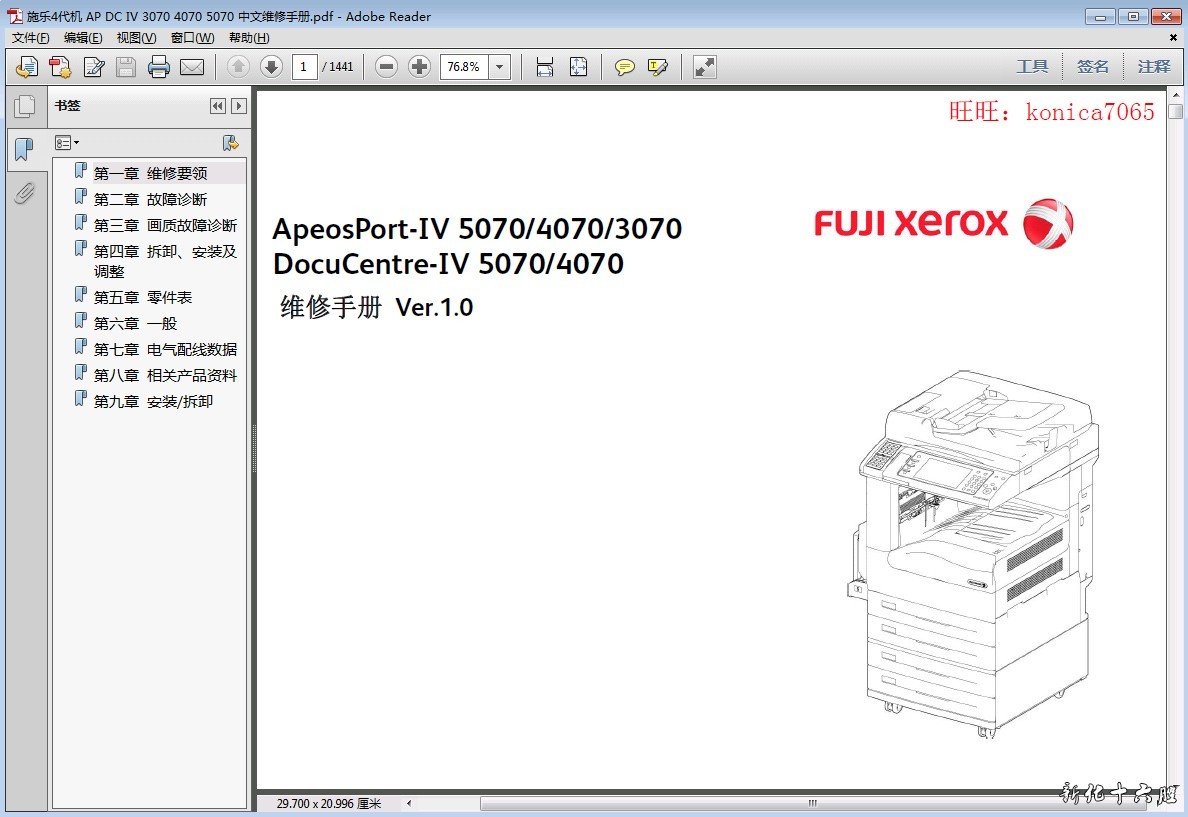
Xerox 4 Generation AP DC IV 3070 4070 5070 Copier Chinese Maintenance Manual Upgrade Firmware
Visitor3660
Language: ChineseFile format:PDF file electronic versionPage count:Page 1441No need for complicated password to open, merged into one fileThe manual is comprehensive and richly illustrated, making it an invaluable resource for maintenance technicians. With this repair manual in hand, you’ll no longer have to worry about disassembling this machine or troubleshooting its issues! Even ordinary users can resolve simple issues by referring to the repair manual.
9.1.29 Installing IP Fax (SIP) Accessories·About IP Fax (SIP) Accessories (Software Key)After installing the IP Fax (SIP) accessory, you can perform the following tasks.1. Communicate with the same IP fax machine (* 1) through the network.2. Communication between IP fax and G3 fax connected to public lines.3. Use SIP servers (* 2) to address (change IP address from phone number).Note:*1: It can only be operated between the corresponding models of our company's ITU-T T.38 installed in the intranet. However, it has been ensured thatTo communicate with the Imagio NeoMP C3300 manufactured by Ricoh Corporation. At this point, it is necessary to confirm the phase that has been confirmedUpgrade the controller software for mutual communication to version 1.2.20 or higher. For details, please refer to ALLPRO Technical Data 3 (FTI) No3-151。*2: Depending on the IP network environment and the type of SIP server or VoIP gateway, it may sometimes not be usable.Product CodeInstallation StepsAttentionElectronic components may be damaged by static electricity. It is necessary to use wrist straps for work. If there is no wrist strap available for use,You should touch the metal part in advance, release the static electricity inside the body, and then proceed with the operation.WarningTurn off the power switch of the device in advance and unplug the power plug from the socket.Note: Do not touch the metal terminal parts of electronic components directly with your hands.1. PrefaceNote: When installing this accessory, the printer accessory, fax accessory 2, and HDD additional accessory must have been installed in advance (limited to)APO/GCO)。2. Confirm packaging accessories(1) S/W Key Option Authorization Contract (Password)(2) User Manual for IP Fax (SIP)(3) CD-ROM (Direct Fax Driver, Fax Address Book Tool, ART EX Print Driver)3. Confirm whether the power switch and circuit breaker have been turned off.4. Please refer to the steps to install the required optional items.5. Insert the power plug into the socket and turn on the circuit breaker and power switch.6. Enter the machine administrator mode and enter the software key.(1) Press the [Authentication] key. Enter the machine administrator ID [11111] and select [OK].(2) Select [Specification Setting/Registration].(3) Select [General Settings].(4) Select [Maintenance].(5) Select [Installation of Software Accessories].(6) Use the keyboard to enter software keys (12 digits) and select [OK].(7) Select [Restart].(8) The power will automatically shut down and restart.7. Press the<Function>key and select [Fax] or [Fax/Internet Fax] on the function screen. Confirm [fax] labelThe dropdown menu displays [IP Fax (SIP)]. (Figure 1) Link: https://pan.baidu.com/s/168Z1wanPLgsPhTktEH-Kug
Extraction code: 9mff