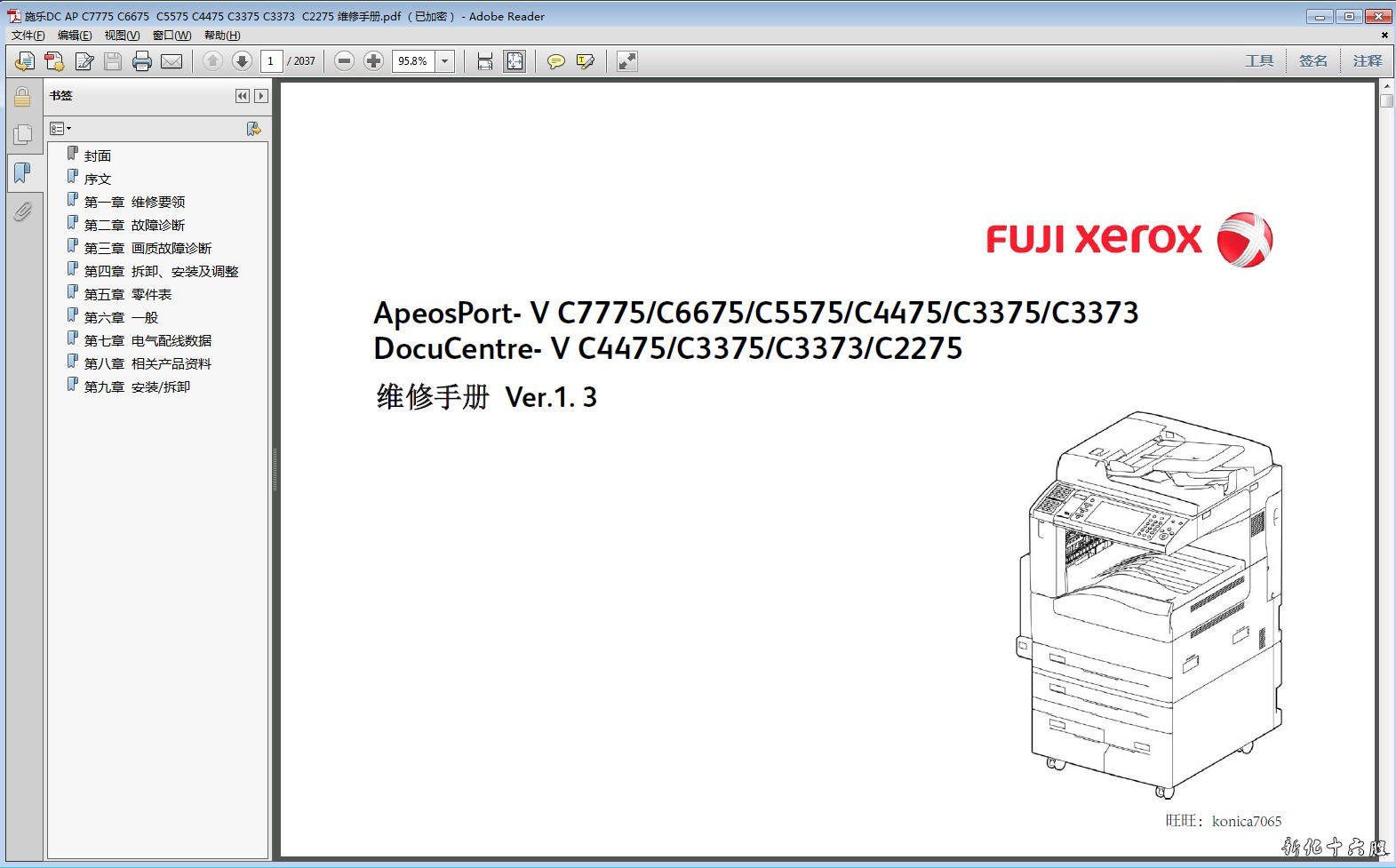
Language: ChineseFormat: PDFPage count: 2037Version: 1.3The manual is comprehensive and richly illustrated, making it an invaluable resource for maintenance technicians. With this repair manual in hand, you’ll no longer have to worry about disassembling this machine or troubleshooting its issues! Even ordinary users can resolve simple malfunctions by referring to the repair manual.
In order to prevent accidents from happening during maintenance operations, it is necessary to strictly follow the warnings and precautions on the job. Absolutely cannot execute dangerous actionsDangerous homework.1. Power supplyTo prevent electric shock, burns, injuries, etc., maintenance work must be performed after turning off the power and unplugging the power plug. but inWhen measuring voltage and other necessary situations that require turning on the power supply, full attention should be paid during the operation to prevent electric shock.2. Drive sectionThe inspection, cleaning, and oiling of drive parts such as chain belts, sprocket teeth, and gears must not be carried out while the machine is in operationConducted during the work.3. Heavy objectsWhen disassembling or installing the following heavy objects, be sure to lower your waist sufficiently before proceeding with the work.4. Safety devicesSafety devices to prevent machine accidents (fuses, circuit breakers, interlock switches) and safety devices for customer operation of machines(Panels, covers, etc.) should ensure that their safety functions are satisfactory. Moreover, it is prohibited to make modifications to the machine that would compromise its safety functions.5. Installation and disassembly of partsThe edges of the parts and covers are relatively sharp. Be careful not to touch it. If there is oil stains on your fingers or hands, wipe them offPerform the homework again. In addition, when pulling out parts, cables, etc., do not force them out, but slowly pull them out.6. Designated toolsWhen specifying the use of tools, the specified tools should be used according to the instructions.7. Cleaning of toner and imaging unitToner has the property of causing dust explosions, so scattered toner should be cleaned up with tools such as brooms and thrown into waste containers.When using a vacuum cleaner to clean the remaining toner, be sure to use an FX standard vacuum cleaner with ink resistant specifications. Never use the customer's own vacuum cleaner.In addition, the developer also contains some toner, and relevant precautions should be taken when cleaning.8. Organic solventsWhen using organic solvents such as photosensitive drum cleaner and machine cleaner, the following precautions should be taken.·Full attention should be paid to indoor ventilation to avoid excessive inhalation.·Do not use in a heated state.·Do not approach fire sources.·After use, hands should be cleaned thoroughly.9. Seismic treatmentWhen the customer wishes the machine to have shockproof function, shockproof countermeasure accessories (ZB38) can be installed.10. Modification and use of machinesWhen renovating a machine, an application for a renovation permit should be submitted in advance.11. Harmful lightIn general, when copying and scanning the original manuscript, it will not cause harmful light exposure to customers and maintenance personnelLu. If the customer feels that the exposure indicator light for the original manuscript is dazzling when using a regular manuscript glass for copying or scanning, they can proceed with the copying processDuring printing and scanning operations, cover the area outside the range of the most commonly used draft glass to shield the light emitted from the original glass.12. Other safety precautionsIn addition to items 1-11 mentioned above, there are other safety considerations that need to be taken into account. According to the<maintenance>issued by the original technical maintenance departmentRepair safety guide>Perform homework and pay full attention to safety.1.1.2 Other precautionsWhen performing maintenance work, attention should be paid to the following items and avoid performing incorrect or useless tasks.MaterialsWhen performing maintenance operations, carefully read the relevant materials (SB, FTI, FTO, etc.) and pay attention to performing systematic workIndustry.2. Disassembly operationWhen disassembling parts and other dismantling operations, it is necessary to confirm their proper installation status before starting the work.3. Installation and adjustment tasksAfter the installation and adjustment of the parts are completed, before operating the machine, it should be confirmed that the entire set of equipment is inside the machineThere are no forgotten tools, parts, etc. in places like Assembly.4. Handling of replacement parts/consumablesDo not dispose of replacement parts and consumables at the customer's location.·When replacing the following consumables, all necessary items should be filled out and labeled with a "U" sticker for recycling.(1) DeveloperAttach a "U" label to the recycled plastic bag.(2) Drum ERUPut it into the photosensitive drum packaging box and stick a "U" sticker on it.(3) Waste powder boxPut the waste powder box into a plastic bag and stick a "U" sticker on it.(4) IBT/Fusing UnitPut the IBT/Fusing Unit into the packaging box and label it with a "U" sticker.·Regenerated object partsNecessary information should be filled in on the "U-TAG" before recycling.5. Comprehensive attention to homework·Be careful not to hinder the daily business of customers.·Toner can dirty the customer's floor or be difficult to clean, so when cleaning the inside of the machine, padding, paper, etc. should be placed,To avoid getting dirty.·When discarding dirt, consumables, parts, etc., put them in plastic bags or paper bags, and only discard them with the customer's permission.·The homework content, replacement consumables, parts, etc. during the visit should be truthfully filled in the machine maintenance record.6. Precautions when using number displayPrecautions when using the number display allocation function.According to the settings of the sender and other factors, it may not be possible to recognize the number display information. In this case, the receiving file will not be activatedPrint output with dynamic allocation function.In addition, the allocation function of modem dial in may also be printed out in the same way.1.1.3 Precautions for Handling Customer Information1. Copy/print/fax receiving samples (paper information), record files (communication management reports, etc.) and other customer electronic informationThe handling.When taking samples for investigation/analysis purposes, please be sure to obtain the client's permission. And inform the customer that it will not be used for other purposesThe road.When the client requests to submit an application, the "FX Information Security Regulations: Attachment 15 Confidential Information/Personal Data Management" should be usedForm (IS-019) ", or obtain written recognition from the customer in accordance with their instructions.2. Processing of PWB/HDD storing customer information.The speed dial number of the fax/the URL registered by the customer on the machine are important information for the customer. These information are saved inInternal components such as PWB/HDD inside the machine. Handle with care. Link: https://pan.baidu.com/s/1XKk7XCPs_NFEH8VdwBGAyg
Extraction code: f4sh
|








