
|
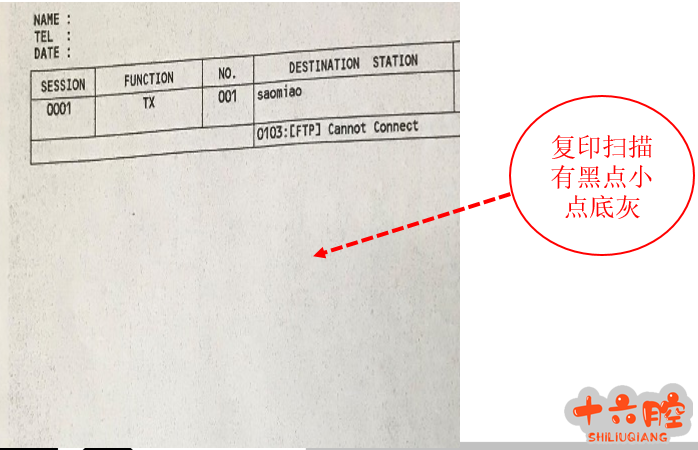
Fault phenomenon: Bottom ash will appear when using the platform or the input device, and printing is normal.
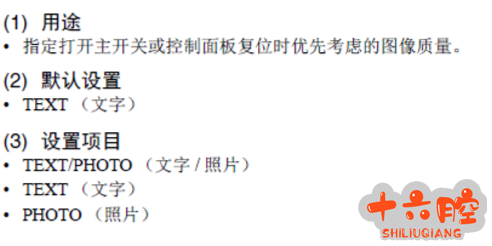
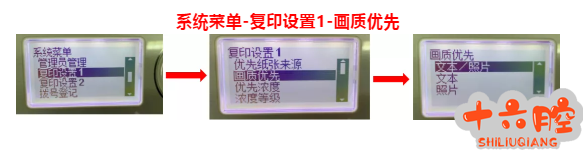
Solution: Change the picture quality priority to "Text/Photo" (default is text).
|
Address of this article:https://073868.com/post/4844.html
Copyright Notice:
For relevant infringements, reports, complaints and suggestions, please send E-mail:weixiuwang68@qq.com
Tags: #205i #bottom ash #Print #Photocopy #Image quality






