
|
Canon G2800 G3800 G1800 G4800 clear software after the print effect is very poorThe solution of no ink in the ink tube of the continuous supply printer,
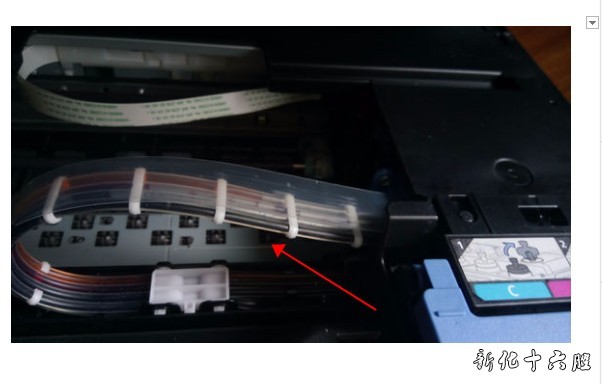
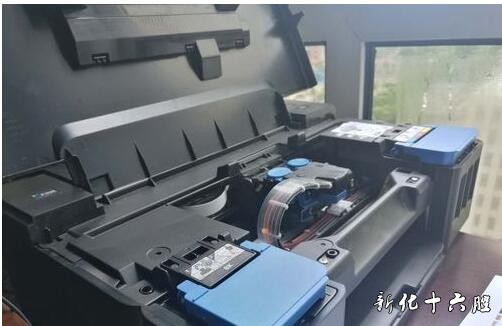
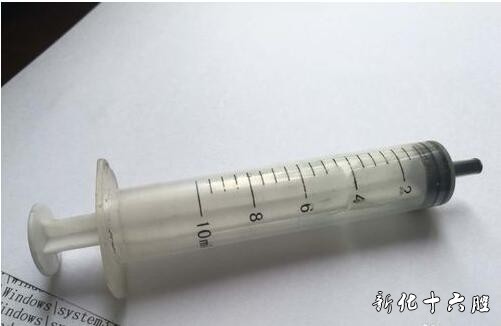
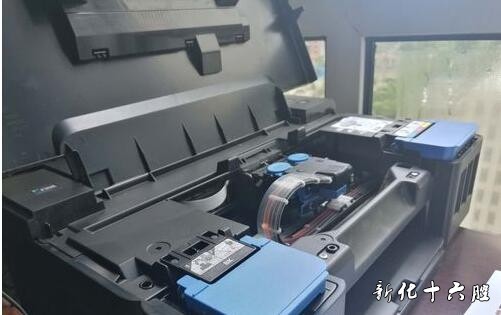
There are two reasons: 1 After the ink was beaten and dried, the printing effect was not good, only to find that the ink was not added, resulting in the ink tube being full of air, and it was still the same when it was filled with ink many times. As a result, the printer motherboard counter is full and needs to be cleared with code 5B00. After clearing, do not clean the nozzle in large quantities, which is very bad for the machine nozzle. The machine cartridge overheat protection prompts 5200 failure due to cleaning of the nozzle without ink. The print head is easily damaged. One nozzle costs several hundred yuan each. 2:Canon G series printing will automatically charge ink during the first installation, which takes about 10 minutes, but only for the first time. In case of misoperation, when the ink cartridge cover is not opened, the ink return nozzle will appear when the ink return printer is opened. Once the ink return printer cannot be used, call customer service and say that it can only be repaired. Therefore, I would like to remind everyone not to follow in my footsteps, but if it has already been operated, don't be afraid. I'll teach you how to solve it according to my personal experience. If you solve it, give me a favor. Prepare a 2.5 syringe,A pack of napkins. Open the printer cover, move the car to the middle, check the ink level of the ink tube, and see if there is no empty, which one to check when it is empty.
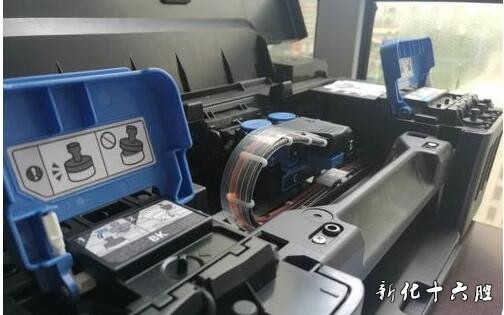
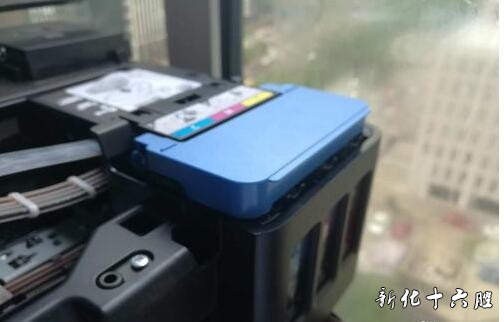
If there is no ink on only one side, please open the ink cartridge cover to prevent ink from flowing back, as shown in the following figure
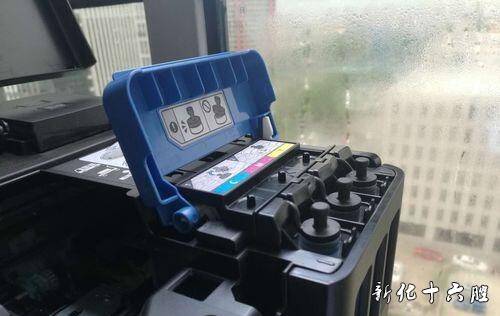
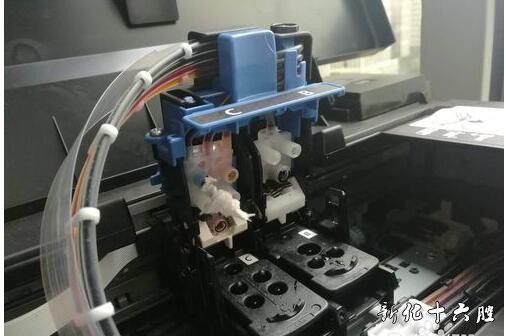
Then open the spray head cover of the trolley, plug the hole that does not lack ink with paper towel, after completion, align the syringe with the hole that lacks ink, and at the same time put down the cover of the ink cartridge that lacks color (the cover cannot be sucked), and suck the ink with the syringe.
After completion, open the ink cartridge cover, remove the paper towel, cover the trolley cover plate, and then put down the ink cartridge cover plate to complete the ink absorption work.
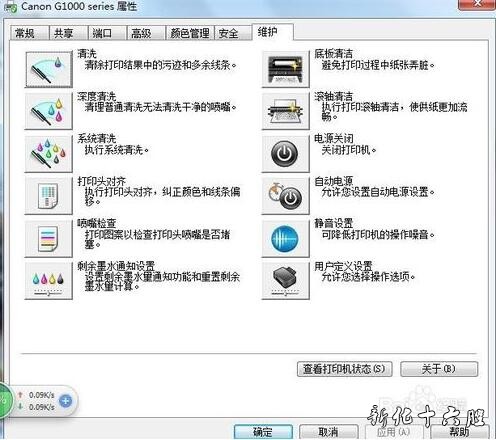
Then restart the printer, reset the car, return to the printing software, use deep cleaning, remove waste ink, print sample drawings to check whether the color picking pattern is normal, if not, the ink absorption is not in place, don't be afraid of waste.
The computer butler misreported the virus, but the 360 did not report the virus. Link: https://pan.baidu.com/s/145DLfRT ... & shfl = sharepset Extraction code: k2z5 Decompress the password into the group to ask for, charge registration binding computer |
Address of this article:https://073868.com/post/3518.html
Copyright Notice:
For relevant infringements, reports, complaints and suggestions, please send E-mail:weixiuwang68@qq.com
Tags: #g2800 #Canon #Zeroing software







