
|
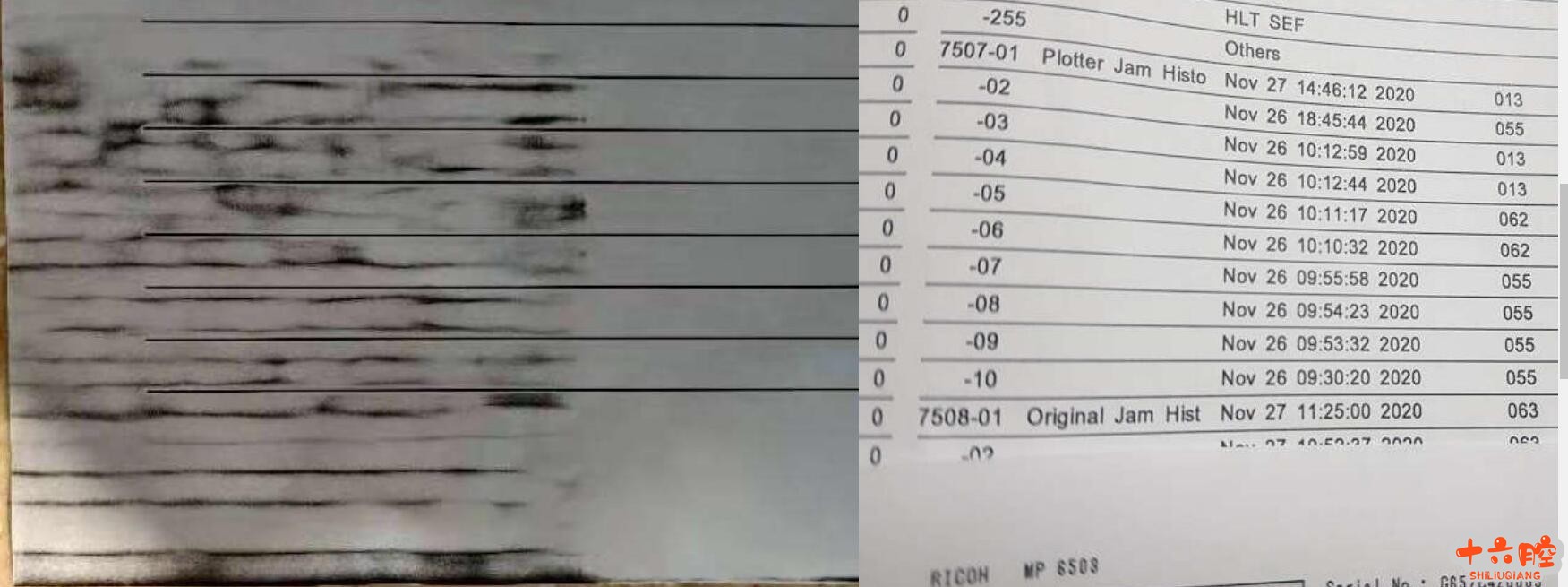
Ricoh MP7503 frequently experiences issues such as SC545-00, SC542-01, SC541-00, SC555, etc., with poor printing quality and frequent paper jams.
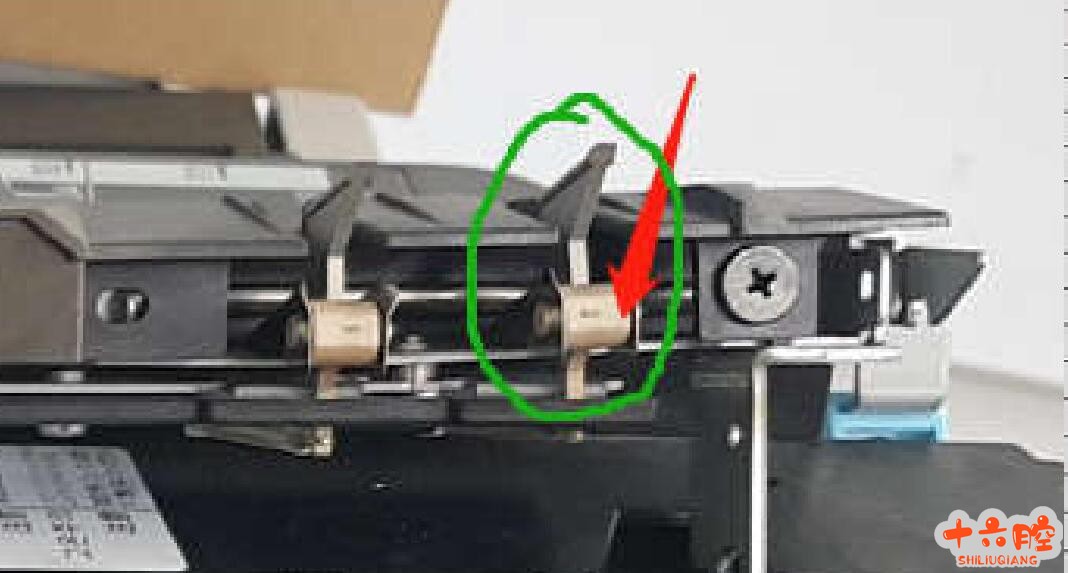
Analyze the cause of the malfunction: 1. The customer has a large usage of machines, with 6.8 million prints in three years, and a large number of prints are concentrated. Due to the impact of the epidemic, there have been no maintenance records in the past year, so the first concern is the replacement of PM parts. 2. In addition to the faults that have already been manifested, it is also necessary to consider the aging of some components of the nearly 7 million printed equipment and persuade customers to replace them together. According to the principle of replacing everything that can be replaced. Considering replacement of the fixing SC code, there may be issues with the hot roller, pressure roller, thermistor, thermostat, and image, which may require replacement of the charging unit, PCU, Developers, transfer units, etc. Cardboard, after checking the code, it is mainly the alignment card and the third paper box card, which need to be disassembled for alignment unit and paper path inspection. It may be necessary to replace the paper roller and align the paper guide. 3. After maintenance, the customer found that the hot roller was worn, the thermistor had severe powder sticking, and the thermostat was also dirty. Unified replacement of the following components: hot roller, separation claw&spring, pressure roller&bearing, contact thermistor, thermostat. After replacement, the machine started up normally, but after using it for a period of time, SC541 occasionally appeared irregularly, and the hot roller also showed wear. Analyzing the NC thermistor code and observing the wear of the separation claw on the hot roller, it was found that the fixing plate of the separation claw was deformed. Replace the separation claw fixing plate, separation claw, and NC thermistor. Fixing is working normally.
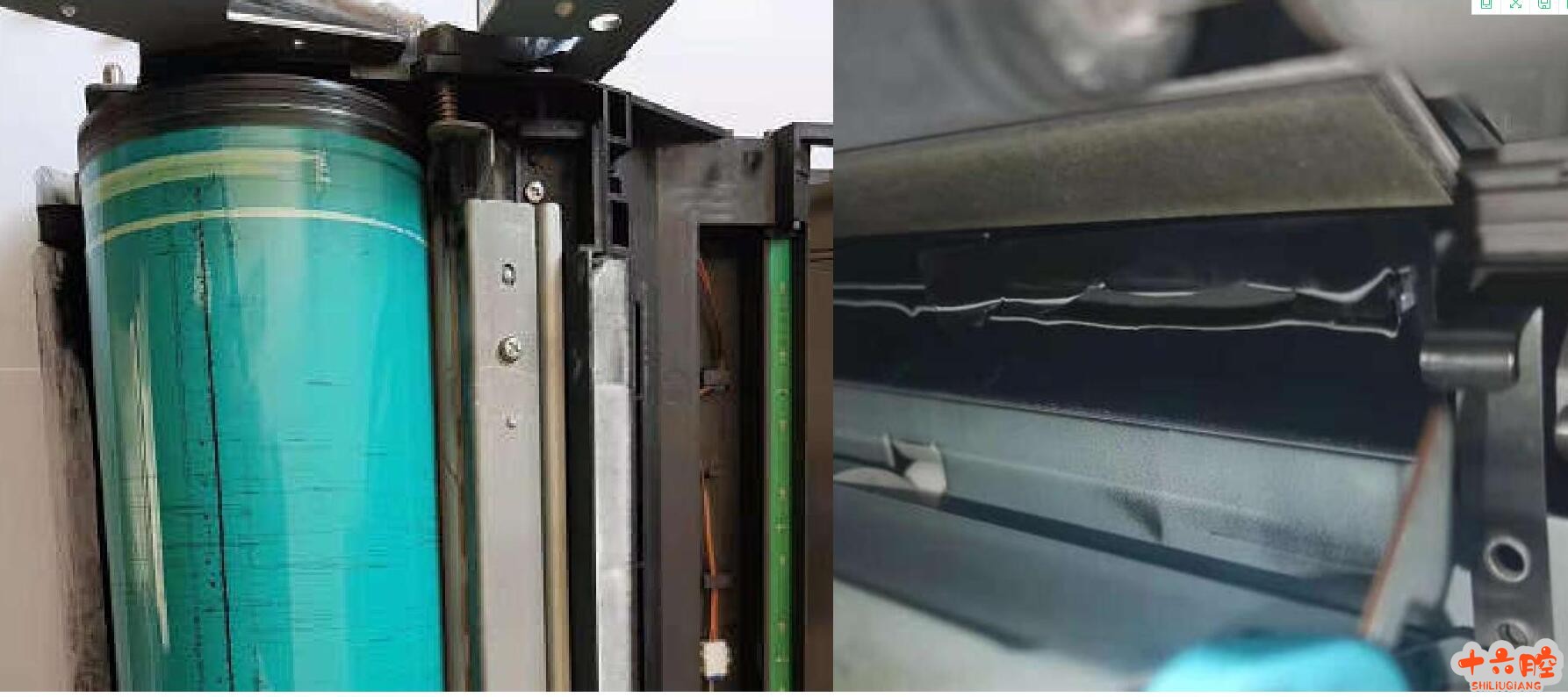
4. There are large irregular black lines on the page. First, replace the charging unit. If the problem is not resolved, continue to replace the transfer belt, transfer scraper, toner cartridge, cleaning scraper, and cleaning brush. The fault persists. Replace the developer unit and carrier to resolve the issue.
5. To address the issue of paper jams, remove the alignment unit and paper path unit, and use a vacuum cleaner to clean the paper scraps. At the same time, it was found that the alignment guide paper was severely worn, and the paper rubbing wheel also had varying degrees of wear. Normal after replacement. 6. At the same time, the ventilation filter, ozone filter, conveyor belt, paper roller, and powder holder inside the machine have all been replaced. After a thorough overhaul, 100000 seals have been used without any malfunctions in the past month. Solution Replace the hot rolling roller, separation claw, separation claw fixing plate, contact thermistor, non-contact thermistor, and thermostat. Replace, charging unit, transfer belt, transfer scraper, toner cartridge, cleaning scraper, cleaning brush, developer, carrier. Align the paper guide and rub the paper wheel. Replace other PM and vulnerable parts, filter screen, ozone filter screen, feeder belt, feed wheel, powder holder, etc. |
Address of this article:https://073868.com/post/3414.html
Copyright Notice:
For relevant infringements, reports, complaints and suggestions, please send E-mail:weixiuwang68@qq.com
Tags: #Thermistor #6503 #7503 #Transfer printing #Toner cartridge





