
|
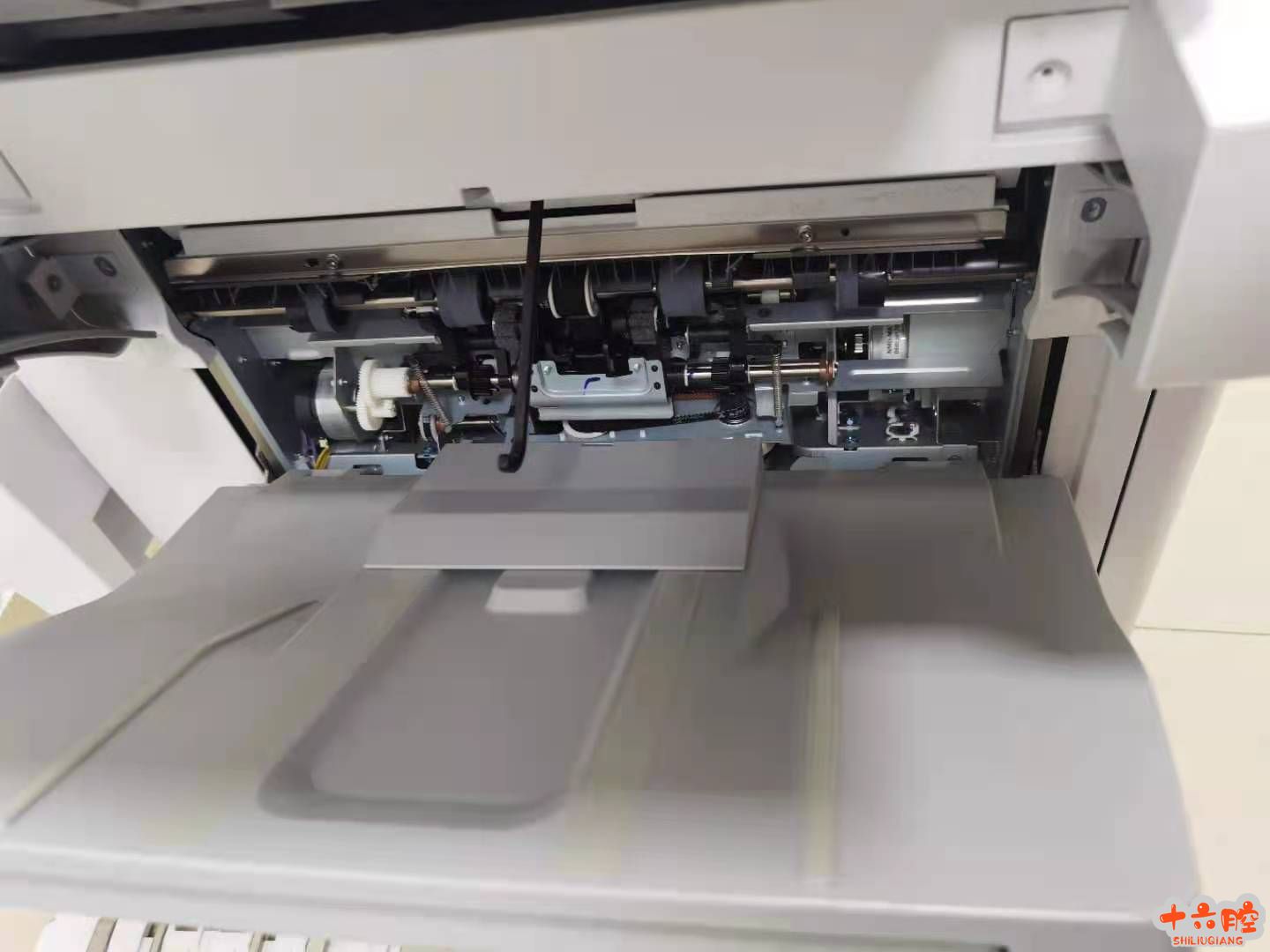
Symptoms When selecting a binding task, a C8002 SP machine displays that the paper in the binding tray has been taken out. Reason: Mobile paper tray paper sensor malfunction. The paper tray and paper sensor bracket are detached. Stacking roller in-situ sensor malfunction. Stacking roller in-situ sensor detection arm. On-site implementation measures: 1) Pull out the stapler unit and check that there are no paper jams or papers at the stack of the stapler. The detection sensor is normal; 2) Remove the internal cover plate and return the stapler bracket, and remove the paper door unit. 3) When removing the in-situ sensor of the stacking roller, it was found that the detection arm of the in-situ sensor was out of position. After reinstalling, the stapler displayed normally.
Solution Reinstall the stacking roller sensor detection arm in the paper output unit. |
Address of this article:https://073868.com/post/319.html
Copyright Notice:
For relevant infringements, reports, complaints and suggestions, please send E-mail:weixiuwang68@qq.com
Tags: #c6502 #c8002 #In-situ sensor #Remove the paper from the binding tray







