
|
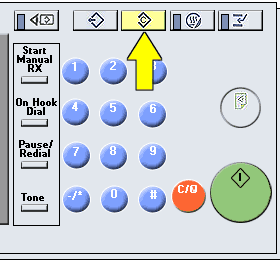
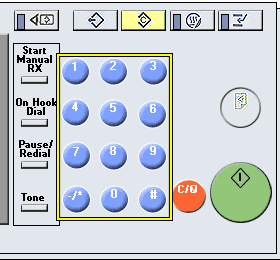
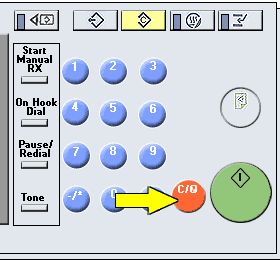
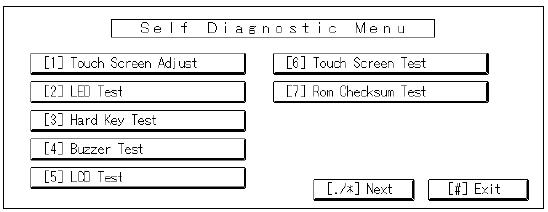
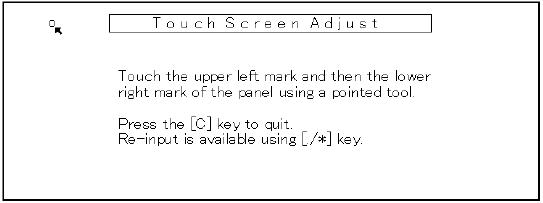
After clearing the memory, or when the touch panel detection function is not working properly, calibrate the touchscreen by following these steps.Note: Do not use the [2] to [7] options of the self-diagnosis menu. For design purposes only. 1. Tap the [Touch Mode] button.
Tap the touch screen several times to ensure that a marker () appears at the touch location. If not, touch Cancel and repeat steps 4 to 6. 7. When finished, touch the touch screen lightly [#] OK (or touch[#]). 8. Touch the touch screen [#] EXIT Close the self-diagnosis menu and save the calibration settings. |
Address of this article:https://073868.com/post/3062.html
Copyright Notice:
For relevant infringements, reports, complaints and suggestions, please send E-mail:weixiuwang68@qq.com
Tags: #HQ9000 #Touch screen #Calibration






