
|
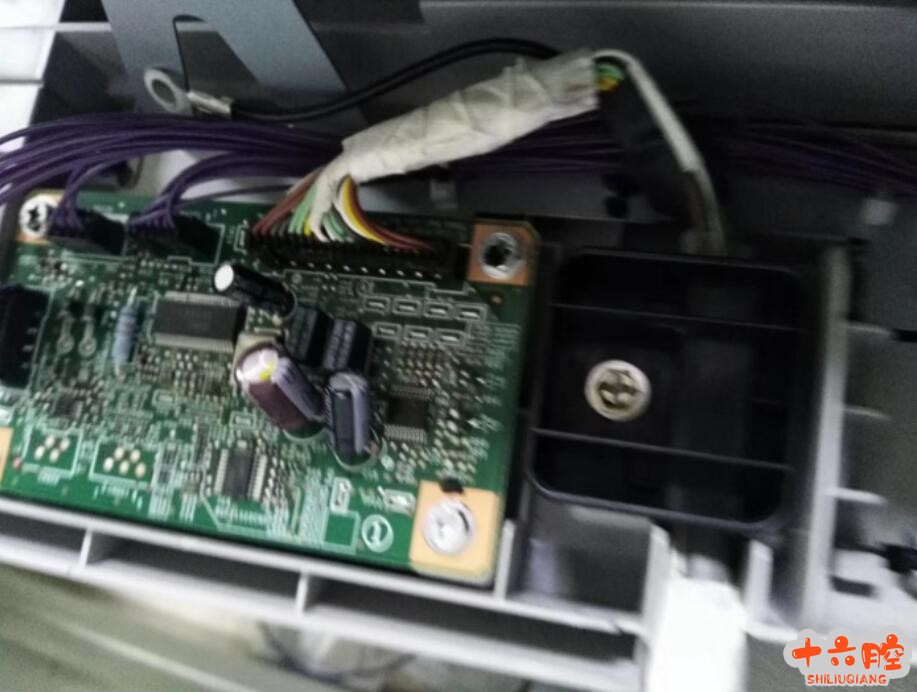
Symptoms1. An MP2014AD prompts "Open ADF cover and remove paper", but the machine's ADF is not jammed; Possible causes:Sensor detection errors, board faults, and wiring harness issues; Maintenance process1. Carefully inspect all paper paths on the ADF and no paper residue was found;2. Replace the paper jam detection sensor of ADF, but the fault persists;3. Replace the ADF motherboard, but the fault persists;4. Check the connection harness between ADF and MPU, conduct continuity tests on each connection point, and find that two wires are disconnected. After reconnecting, troubleshoot the problem;Repair sample:
|
Address of this article:https://073868.com/post/3050.html
Copyright Notice:
For relevant infringements, reports, complaints and suggestions, please send E-mail:weixiuwang68@qq.com
Tags: #Document Feeder #2014 #Sensor







