
|
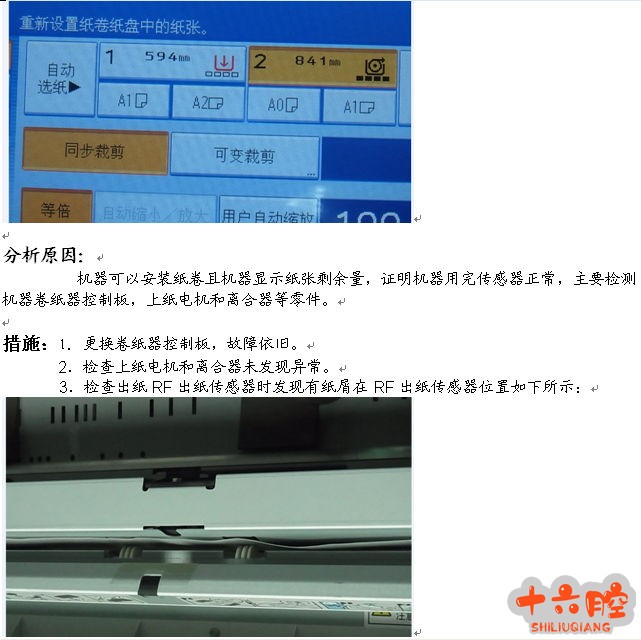
Symptoms: The MPW2401 machine can install paper rolls normally, but cannot copy or print. The machine panel will display a prompt to reset the paper tray.
4. Remove the paper scraps from the RF paper output sensor and resolve the issue. Cause of the failure: The machine paper cutter is severely worn and cannot cut paper properly, often leaving paper scraps at the RF paper output sensor position after cutting. Solution: Remove paper scraps and replace the paper cutter |
Address of this article:https://073868.com/post/2974.html
Copyright Notice:
For relevant infringements, reports, complaints and suggestions, please send E-mail:weixiuwang68@qq.com
Tags: #w2401 #w2400 #Paper cutter #Sensor #W3600







