
|
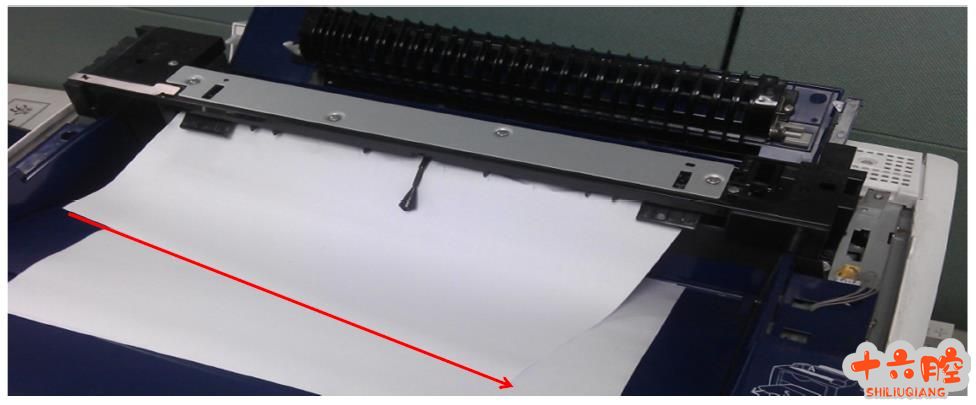
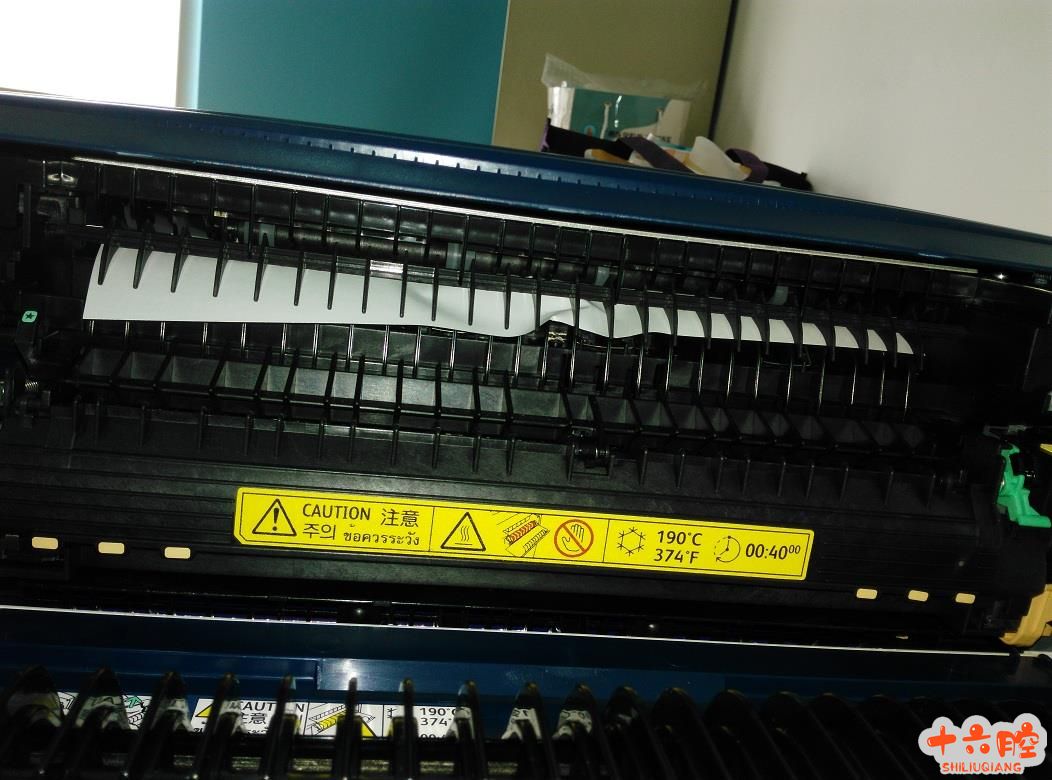
Fault: When the paper is thin (mostly in 70g paper) and wet, Dp3105 appears intermittent double-sided cardboard, as shown in the following figure:
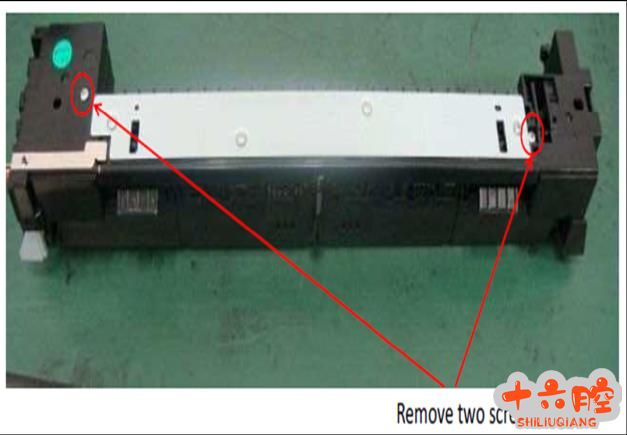
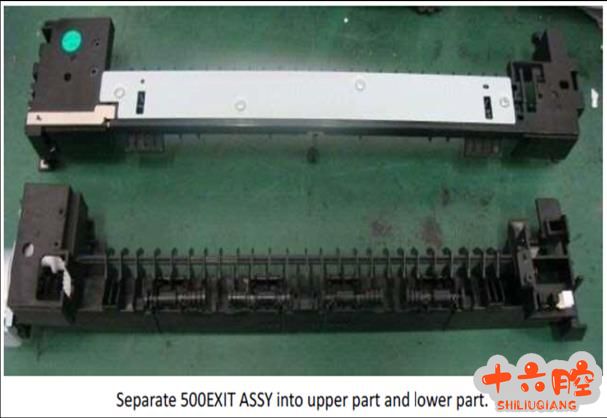
Solution: 1. Remove the outlet assembly 2. Remove the two screws and separate the outlet assembly from top to bottom.
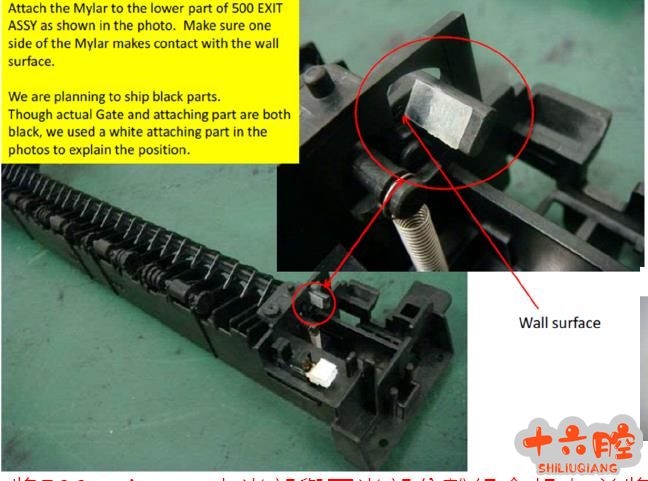
3. Stick a gasket on the designated position, which can be self-made, the thickness is about 0.5mm, and the size is 10mm * 5mm
|
Address of this article:https://073868.com/post/2666.html
Copyright Notice:
For relevant infringements, reports, complaints and suggestions, please send E-mail:weixiuwang68@qq.com
Tags: #3105d #Double-sided cardboard #Outlet Assembly







