
|
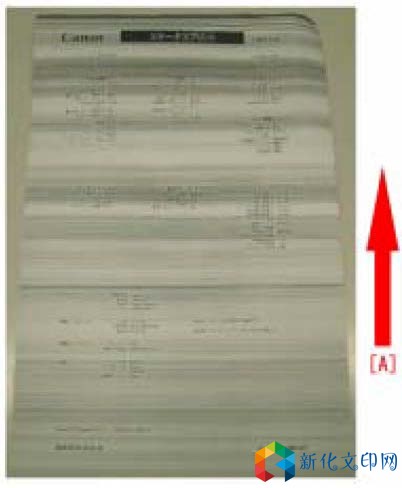
Location: Internal Component 1 Countermeasure for lines appearing in the main scanning direction of the image: Occasionally, black lines may appear in the main scanning direction.
[A] Paper conveying direction Reason: When inserting the toner cartridge, the grounding contact piece [1] was not fully pushed in, resulting in poor contact at the cable joint connecting to the high-voltage power board.
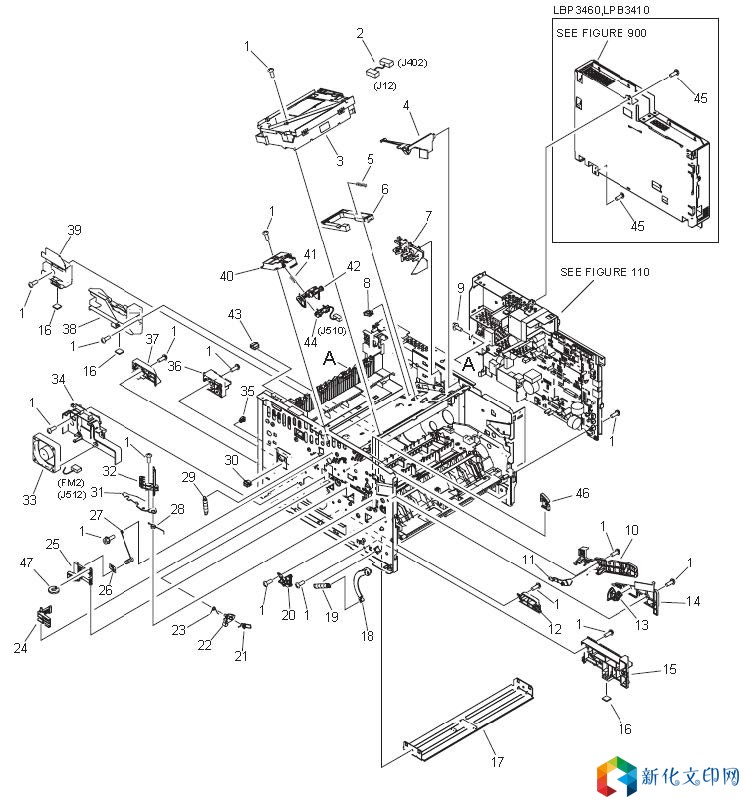
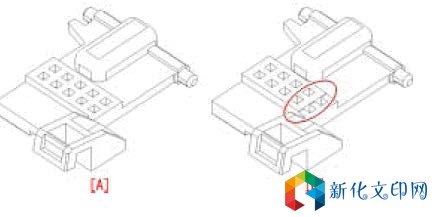
[1] Grounding contact piece [2] leaf spring Factory countermeasure: The shape of the "grounding contact piece [1]" has been changed to ensure good contact.
[A] Repair service for old model [B] and new model: When the above-mentioned defects occur, use a new "grounding contact piece [1]". Note: When replacing the "grounding contact piece [1]", the claw of the "leaf spring [2]" is deformed and cannot be used. This part has not been changed, so it is necessary to replace the "leaf spring [2]" at the same time. |
Address of this article:https://073868.com/post/2542.html
Copyright Notice:
For relevant infringements, reports, complaints and suggestions, please send E-mail:weixiuwang68@qq.com
Tags: #lbp3460






