
|
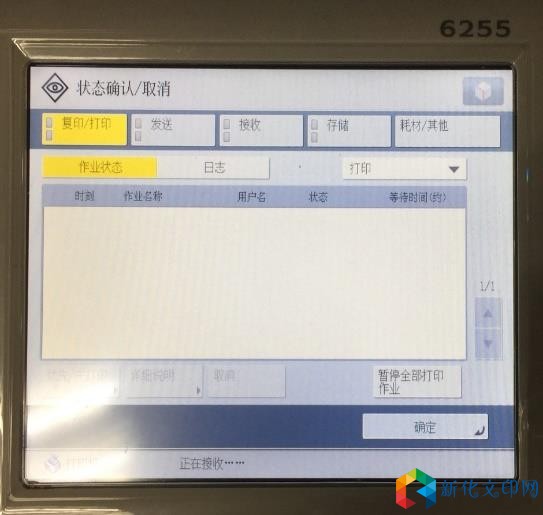
iR-ADV 6275 iR-ADV 6265 iR-ADV 6255 After the host is turned on or returns to standby mode in sleep mode, the machine has a longer waiting time for the homepage when printing fault phenomenon] After the host is turned on or returns to standby mode in sleep mode, the scanning and copying functions are used normally. When using the printing function, the output speed of the machine's homepage is very slow, and it returns to normal output speed after the second page (waiting time is about 4-5 minutes).
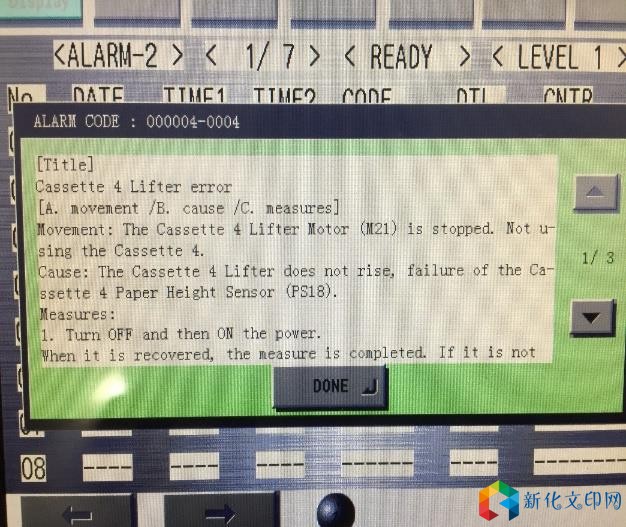
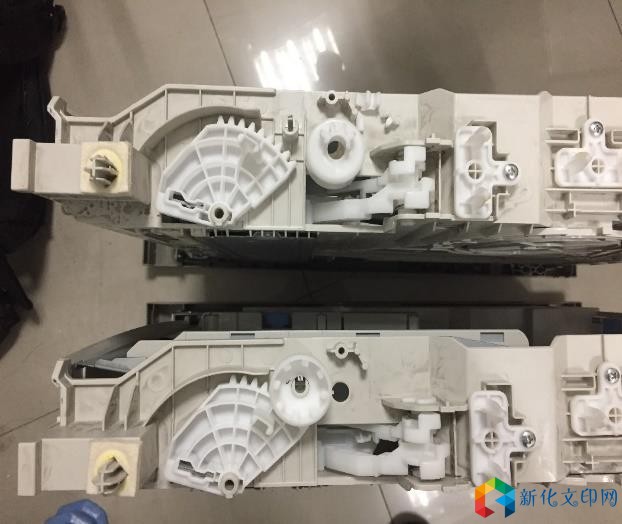
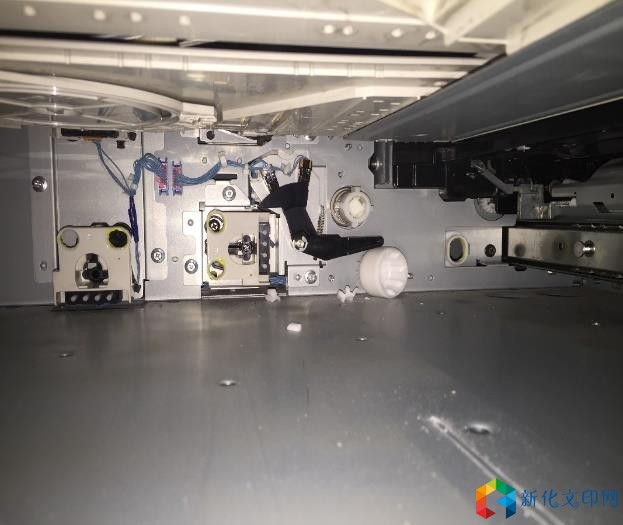
[Cause of the Failure] The fourth paper box drive lifting transmission gear is damaged
field countermeasures] Replace damaged gears Note: When a similar problem occurs, check the ALARM warning message in maintenance mode, and also check the gears of the four paper box parts in sequence to eliminate the fault point. |
Address of this article:https://073868.com/post/2499.html
Copyright Notice:
For relevant infringements, reports, complaints and suggestions, please send E-mail:weixiuwang68@qq.com







