
|
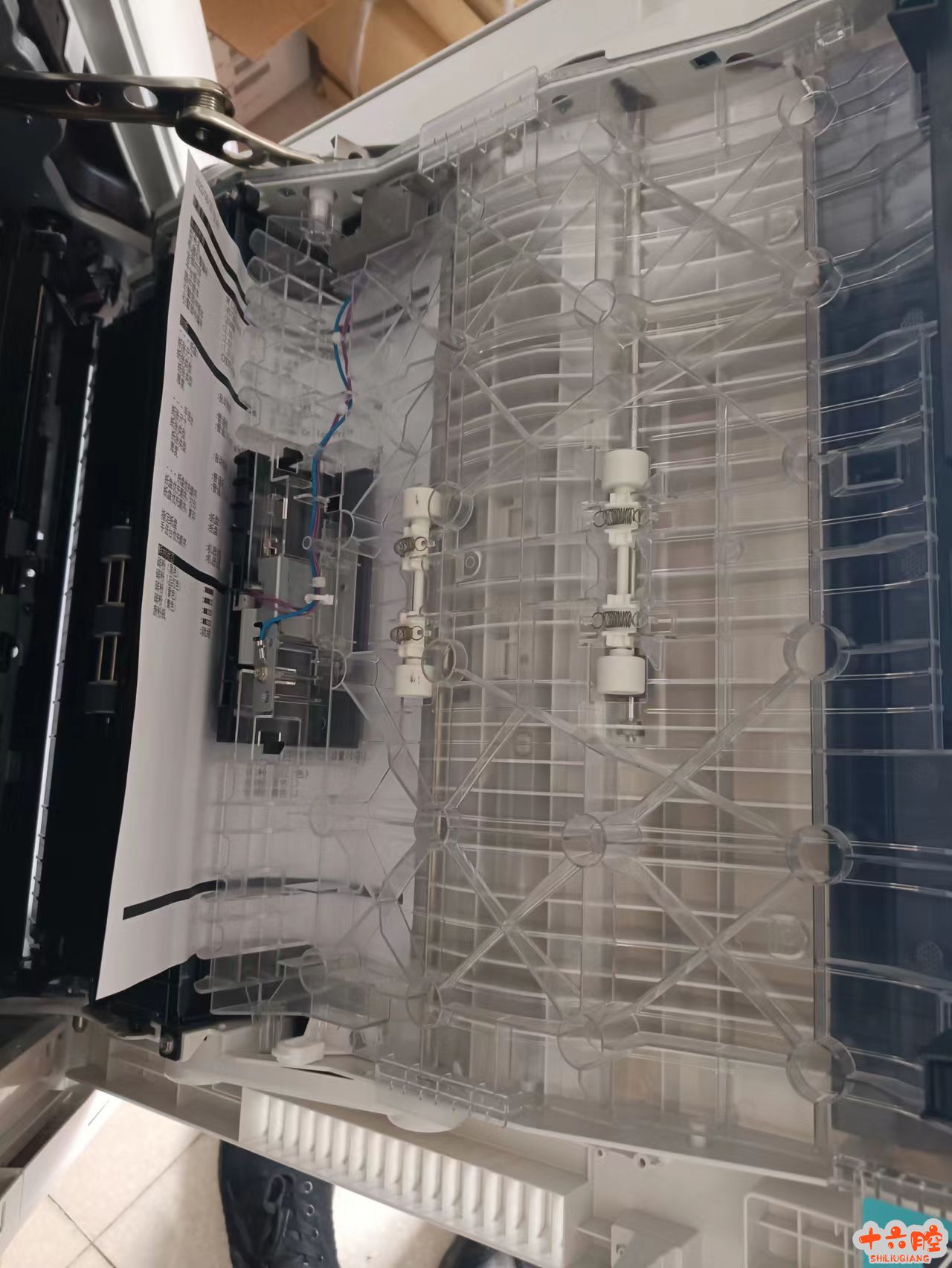
Symptoms Fault: A MC2000 machine is copying on one side normally, but when printing on both sides, it produces a loud abnormal noise and paper jams. (See the figure below)
1. Poor reverse motor. 2. Double sided paper feeding motor, hand feeding/double-sided motor malfunction. 3. Poor I/O board, causing the double-sided paper feeding motor to rotate too quickly and produce abnormal noise. Maintenance process Firstly, the main check is whether the abnormal noise is caused by the high driving load of the double-sided device. Check that the driving gears and shaft sleeve transmission loads of the fixing and paper output parts are normal. 2. Through output detection of the double-sided paper feeding motor, it was found that the motor rotates too fast and produces significant abnormal noise. 3. Remove the double-sided paper feeding motor and replace it, but the machine still malfunctions 4. Remove the paper transport IOB board and replace it with a new paper transport IOB board. The machine can print double-sided normally. Solution After replacing the IOB board (motherboard) with a new one (part number: D0BQ5127) PCB: IOB: TRANSPORT PCB1, the fault was resolved. |
Address of this article:https://073868.com/post/222.html
Copyright Notice:
For relevant infringements, reports, complaints and suggestions, please send E-mail:weixiuwang68@qq.com
Tags: #C2000 #Double-sided printing #Motherboard #IOB plate #Double-sided cardboard






