
|
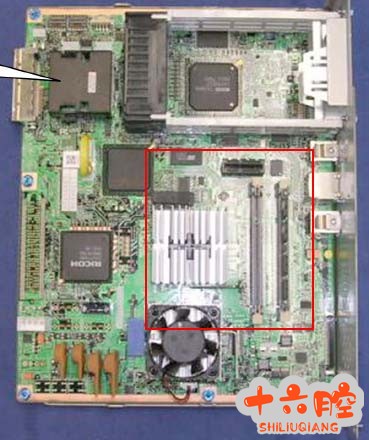
Symptoms During the copying/printing process, sometimes the monitor screen displays the message "Please wait...", causing the device to malfunction. Reason Poor contact of DIMM in the controller Solution 1: Query SC historical records through maintenance mode SP7-403; 2: After no recent SC fault record was found in the device, check the condition of the controller; 3: After replacing the DIMM, the device's working status returned to normal;
|
Address of this article:https://073868.com/post/1274.html
Copyright Notice:
For relevant infringements, reports, complaints and suggestions, please send E-mail:weixiuwang68@qq.com
Tags: #1357 #1107 #1350 #907 #Please wait.






