
|
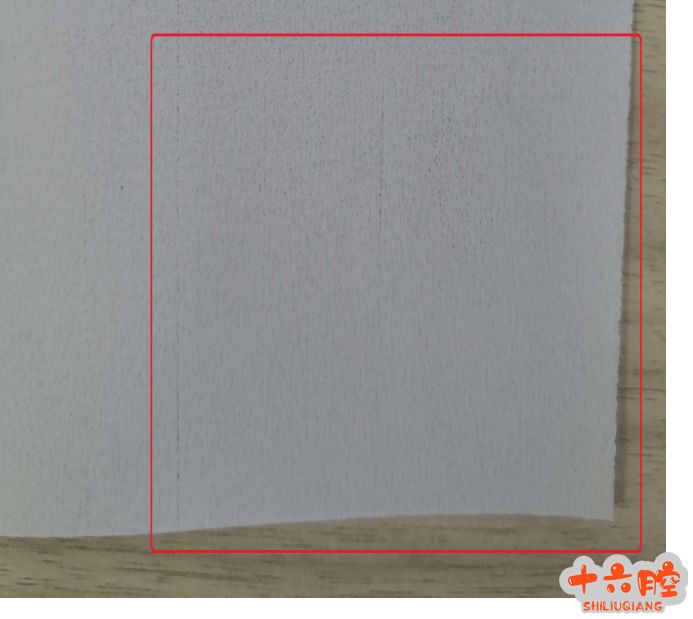
Symptoms IM3500 copies and prints without image, and the paper is full of bottom ash.
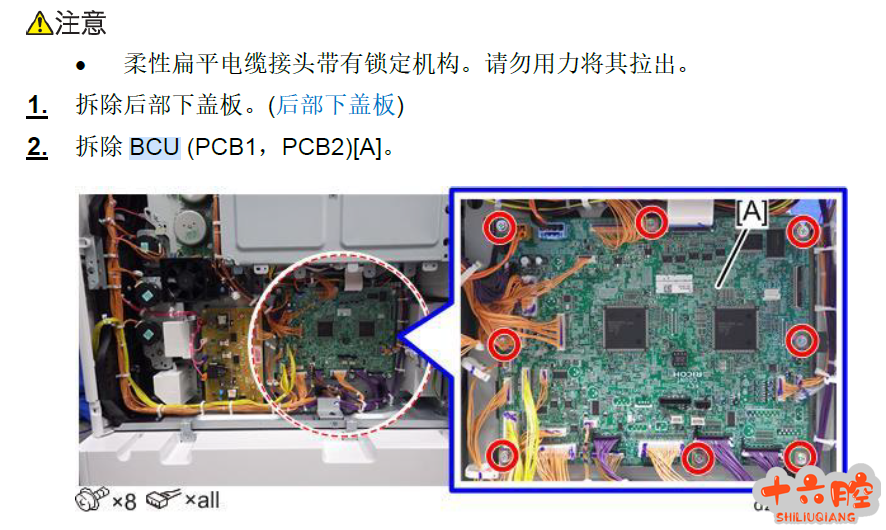
Diagnostic process 1) Because there is no image on the whole, the contact problem of the developing bias on the PCDU is suspected. Check the PCDU (charging/developing bias) and the host. Connection, no exception. 2) Replace the PCDU unit, the fault remains. 3) Check the harness connection of the laser unit, replace the laser unit, and the fault remains. 4) Check the high-voltage board wiring harness connection, replace the high-voltage board, the fault remains. 5) Replace the IPU board, the fault remains. 6) Replace the BCU board (motherboard) and solve the fault.
Solution Replace BCU board. Trouble solved. |
Address of this article:https://073868.com/post/1083.html
Copyright Notice:
For relevant infringements, reports, complaints and suggestions, please send E-mail:weixiuwang68@qq.com
Tags: #3500 #4000 #6000 #bottom ash #No image







