
|
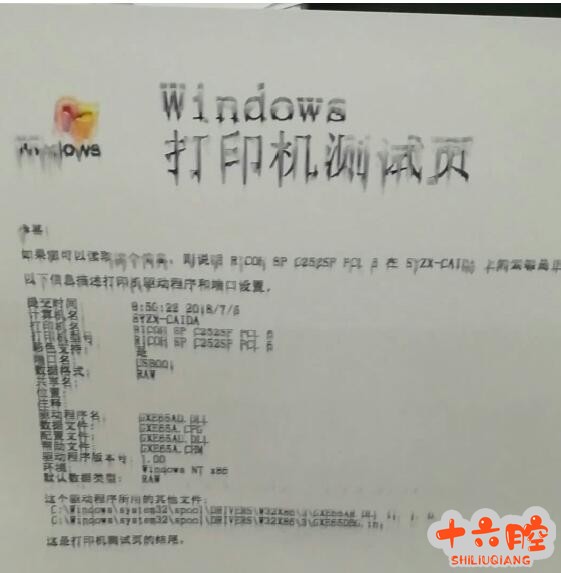
Analysis reasons: From the image sample, it is suspected that the surface of the drum is damp or there is water. Since the machine is newly installed, it is suspected that the machine is damp. Check that there is no water or moisture on the surface of the drum and ITB. Based on the sample print, there is a lack of cyan. Measures: 1. Check that there is no damp and water inside the machine. 2. Use SP2-109 to print solid color proofs. Black, magenta and yellow are normal, but cyan cannot be typed. Solution:Check the cyan PCDU. The cyan drum cannot rotate. Replace it with a new cyan PCDU. The printed image returns to normal. Replace the cyan PCDU, do the SP2-111, adjust the wire alignment, and the fault disappears. |
Address of this article:https://073868.com/post/1011.html
Copyright Notice:
For relevant infringements, reports, complaints and suggestions, please send E-mail:weixiuwang68@qq.com







