|
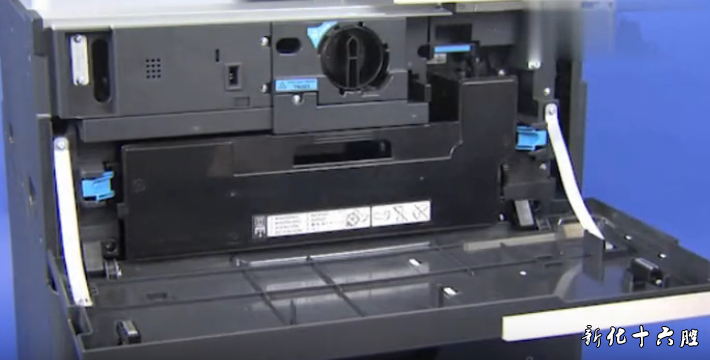
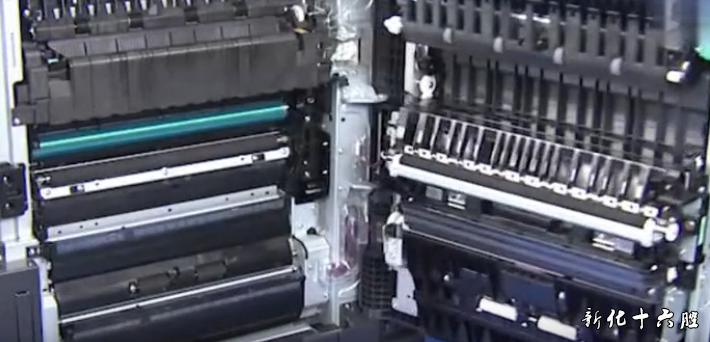
If the PC photosensitive drum assembly needs to be replaced or the printing and copying quality deteriorates during the use of the Komei 287 and 367, the photosensitive drum assembly needs to be replaced. Here is how to replace the photosensitive drum of the Komei 287 and 367: 1、 Open the front cover and side door of the machine as shown in the following figure:
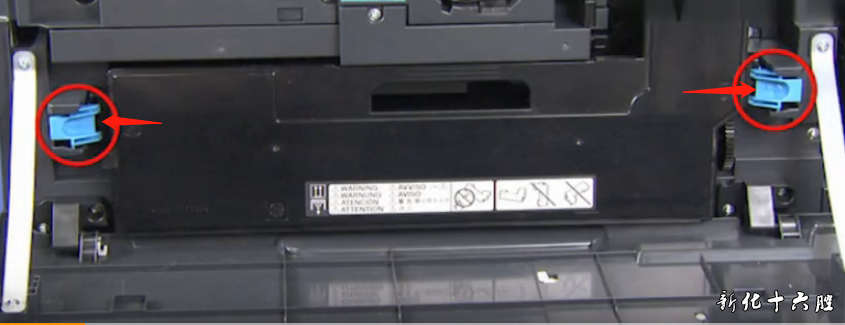
2、 Remove the waste powder bin, as shown in the following picture:
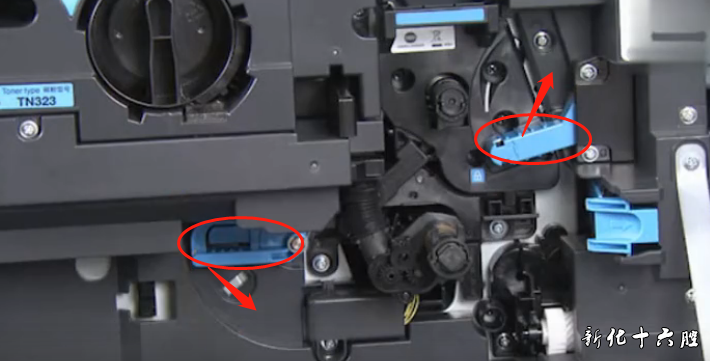
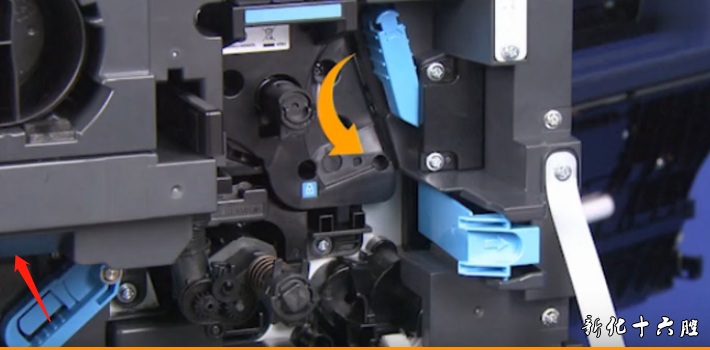
3、 Open the release lever of the developing chamber and the locking lever of the toner cartridge, as shown in the following figure:
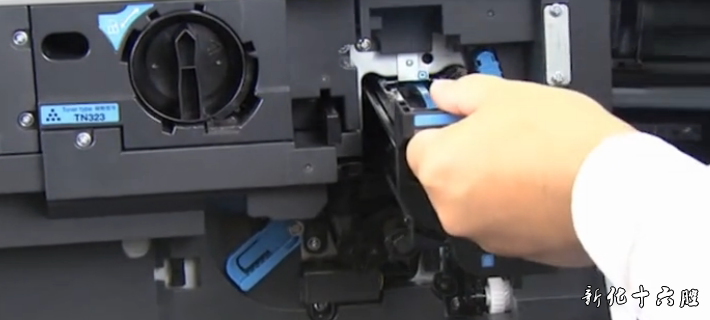
4、 Pull out the old toner cartridge component, as shown below:
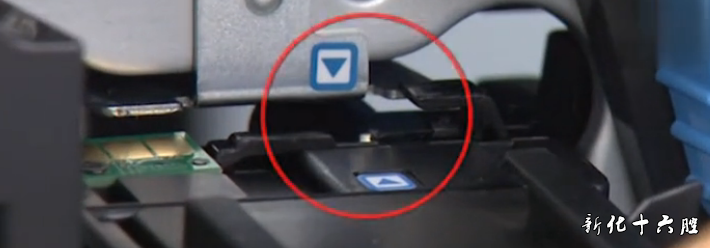
5、 Install a new toner cartridge component:
7、 Lock the locking lever back, reinstall the waste powder box, close the front and side doors of the machine, and the replacement process is complete.
|
Diagram of drum replacement for Kemei 287 and 367
324
0