
|
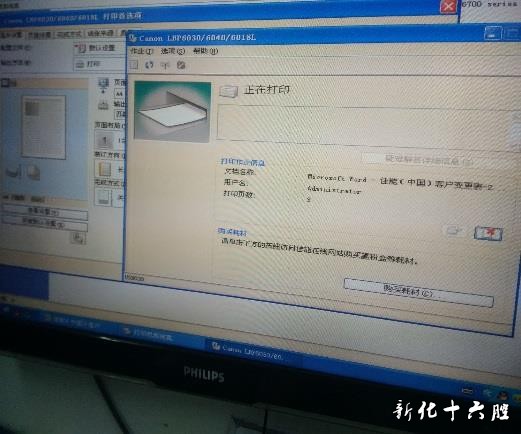
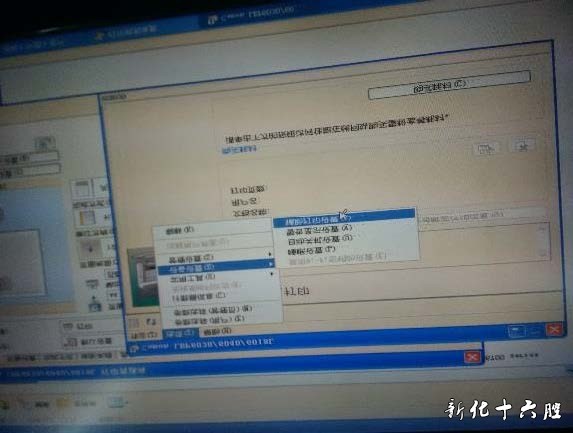
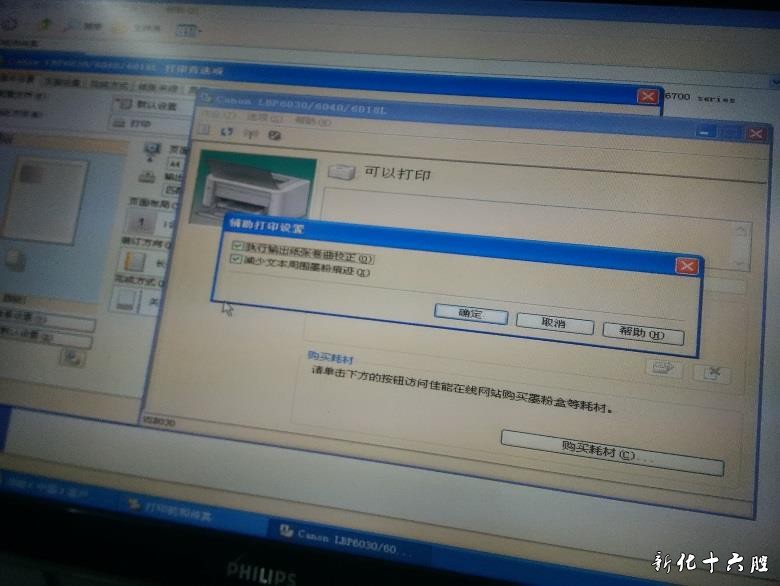
Fault phenomenon: The output of the first page is normal, and it takes a long time to print the second page, about 12 seconds to start printing. Processing procedure: Generally, the fixing temperature is not enough for slow printing. No abnormality is found in the fixing device. According to the maintenance experience, no abnormality is found in the drum detection part. Check the machine settings to find one of them, the paper curl correction is turned on, and it is solved after turning off. [Machine Settings, Printing Preferences-Printer Status-Options-Device Settings-Auxiliary Printing Settings-Perform Output Paper Curl Correction (this check is removed)]]
|
Address of this article:https://073868.com/post/851.html
Copyright Notice:
For relevant infringements, reports, complaints and suggestions, please send E-mail:weixiuwang68@qq.com
Tags: #LBP6018L #Page 2 #Slow output







