
|
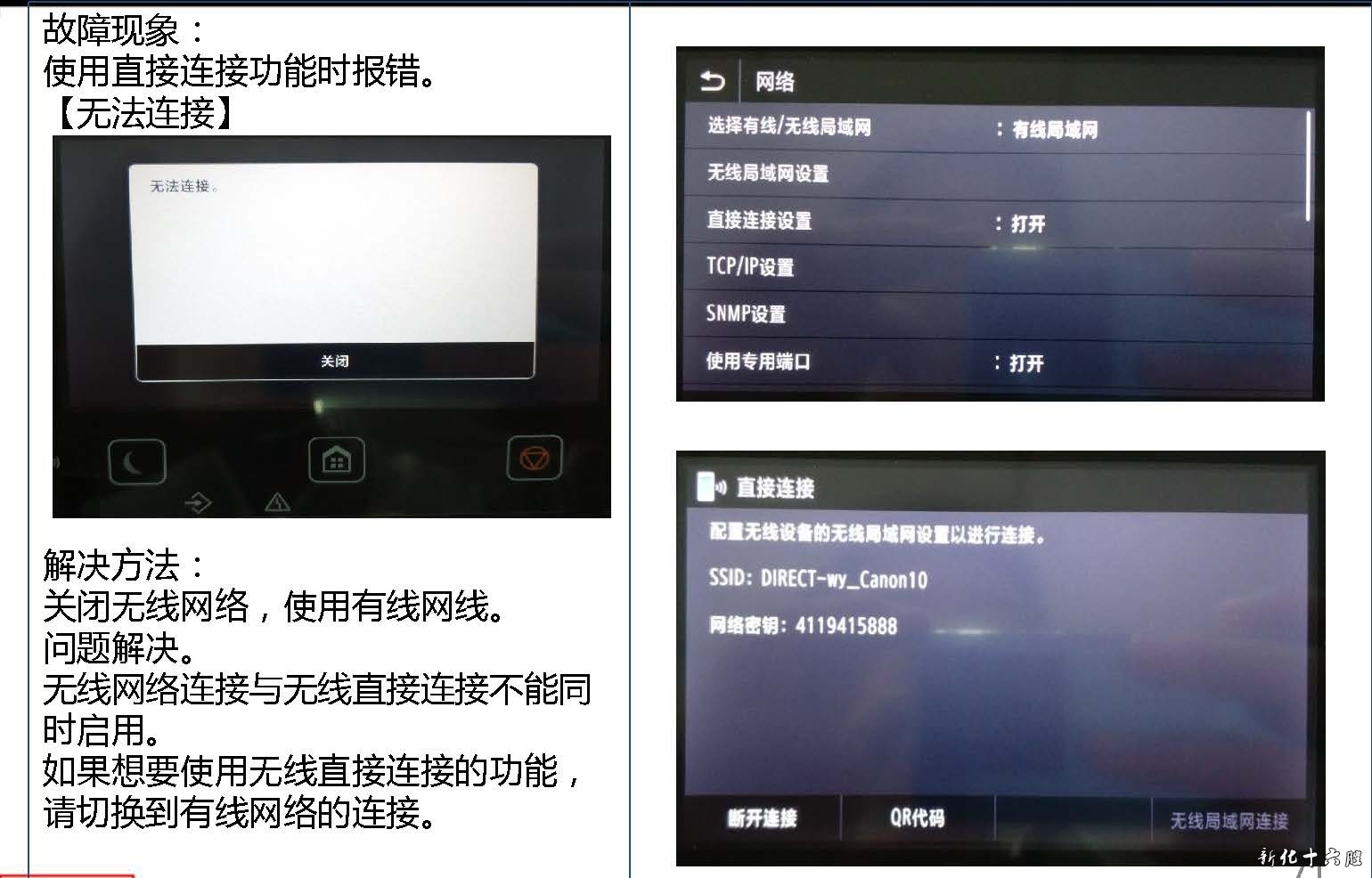
Fault phenomenon: An error was reported using the direct connection function. unable to connect] Solution: Turn off the wireless network and use a wired network cable. Problem solved. Wi‑Fi and Wi‑Fi Direct cannot be enabled at the same time. If you want to use the wireless direct connection function, please switch to the wired network connection.
|
Address of this article:https://073868.com/post/628.html
Copyright Notice:
For relevant infringements, reports, complaints and suggestions, please send E-mail:weixiuwang68@qq.com
Tags: #MF635 #Unable to connect directly







