
|
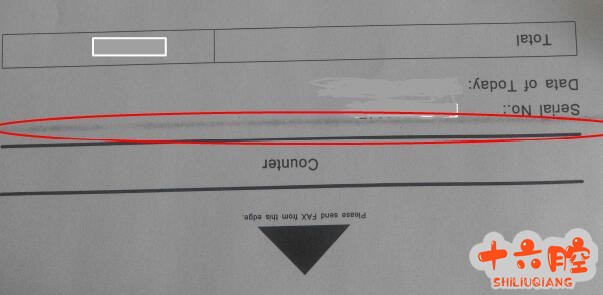
Continuous copying or printing of 5-30 pages, with a small black line appearing along the paper direction. As the printing volume increases, the black line becomes longer and deeper, running through the entire paper direction. Both single-sided continuous copying and double-sided continuous copying have black lines. After 30 minutes of standby, test copying and the fault disappears. When copying or printing continuously again, the fault will reappear.
Observing the customer's fault samples, it was found that there were text shadows in the deeper black areas. It was determined that the fault may be due to poor charging or power dissipation. Continuous copying and production of cardboard samples revealed that black areas also appeared in the corresponding positions on the drum. Clean the surroundings of the PCDU, clean the transfer unit, charging unit, and clean the drum ventilation filter. The fault persists. Replace the OPC drum, replace the developing unit, replace the drum cleaning unit, replace the charging unit, and the power dissipation unit. After testing, the fault is slightly reduced, but after continuously copying 20-100 pages, the fault will reappear. Replace the charging/developing high-voltage plate, replace the transfer unit for testing, and the fault persists. Reason Poor drum power dissipation, caused by poor ventilation around the drum due to ionized air during continuous copying. After cleaning the ozone filter, the malfunction disappeared. Solution Replace the ozone filter |
Address of this article:https://073868.com/post/6071.html
Copyright Notice:
For relevant infringements, reports, complaints and suggestions, please send E-mail:weixiuwang68@qq.com
Tags: #Black line #1350 #907 #1357 #1107






