
|
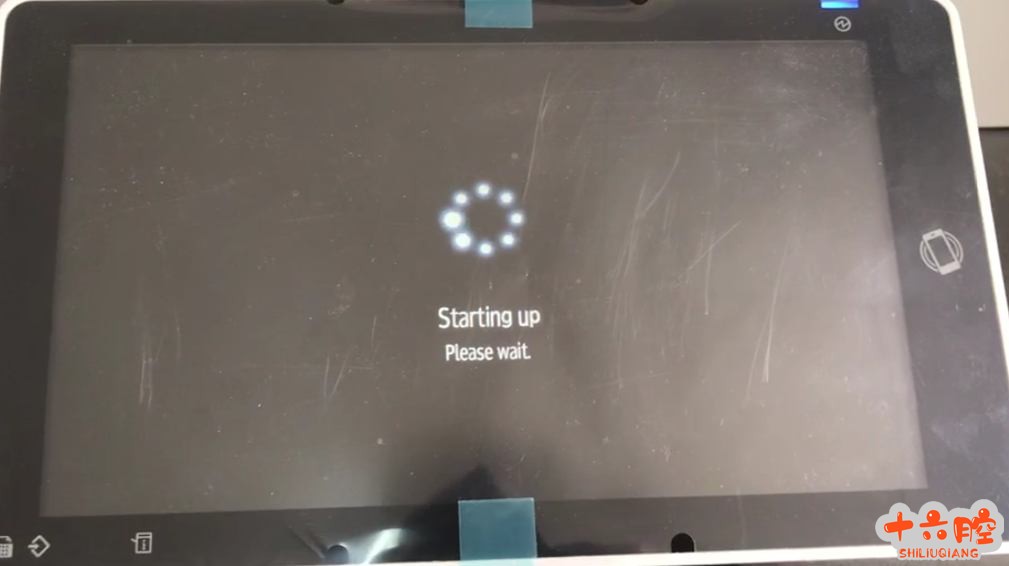
The IMC4500 startup SOP screen shows normal startup, loading, and then shutdown, unable to enter the ready stateIM_C2000_C2500_C3000_C3500_C4500_C6000/M_C2001
Reason 1. Display screen malfunction 2. Power board malfunction 3. Mainboard malfunction 4. Controller board malfunction 5. Chip malfunction Measures 1. Replace the display screen, but the fault persists; 2. Check the wiring harness connections, the fault persists; 3. Replace the power board, but the fault persists; 4. Replace the motherboard, but the fault persists; 5. Unplug the hard drive and turn it on, but the fault persists; 6. Replace the controller board normally 7. Replace the controller board and solve the problem |
Address of this article:https://073868.com/post/5591.html
Copyright Notice:
For relevant infringements, reports, complaints and suggestions, please send E-mail:weixiuwang68@qq.com
Tags: #Power board #Motherboard #Control panel #4500 #6000






