
|
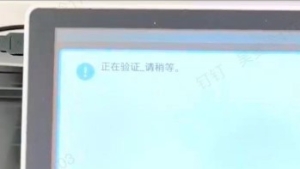
Fault: The customer used the SLNX-v3.6 card swiping software and tested its normal operation after installation. Multiple users belonging to the same department have reported that there may be a prompt saying 'verification in progress' and' please wait for a long time 'after swiping their cards. There are also cases where printing tasks cannot be seen after swiping their cards normally, but only appear after multiple swipes. As shown in the figure below
Inspection: 1. Check the status of relevant user accounts, normal 2. Test user login status, this situation does not occur every time they log in. 3. Inquire about the usage of other users' machines, and the issue did not appear when logging in or printing the list. After inquiring with the customer, it was found that the problem was caused by using the same copier. Consider replacing the copier EMB software version for testing. Solution: Checked the machine settings and found that DNS was not entered. After correction, it was used normally. |
Address of this article:https://073868.com/post/5558.html
Copyright Notice:
For relevant infringements, reports, complaints and suggestions, please send E-mail:weixiuwang68@qq.com
Tags: #swipe #Ricoh #EMB software #Photocopier #SLNX







