
|
Symptoms: When upgrading the firmware of the machine, the power was cut off before the firmware was fully upgraded. After restarting the machine, the panel displayed fault code E32, which cannot be eliminated and cannot enter maintenance mode
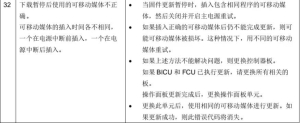
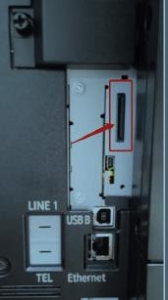
Maintenance process: 1. SD card formatted in FAT format; 2. Create a new package folder in the root directory of the SD card and copy the. pkg firmware package into it; 3. Upgrade using machine card slot: Turn off the power switch of the machine, unplug the power cord, and insert the SD card into slot 1 (Metis-MF4 series only has one slot) as shown in the following figure:
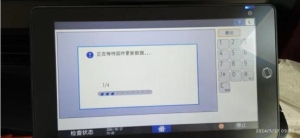
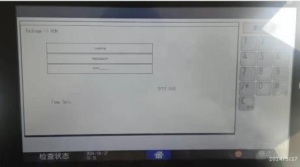
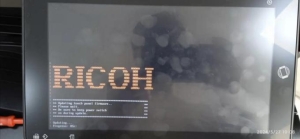
4. The machine automatically goes to the firmware upgrade interface upon startup (do not manually shut down or power off at this time, the machine will automatically restart during the upgrade process until the message "Update done" appears). The upgrade is considered complete, and the upgrade process takes about 15 minutes. After completion, turn off the device and unplug the SD card, then turn on the device.
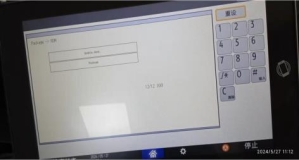
5. After the upgrade was completed, fault code E32 was eliminated and the machine operated normally. Solution: Upgrade the firmware correctly again, troubleshoot E32, and the machine test runs normally. |
Address of this article:https://073868.com/post/5531.html
Copyright Notice:
For relevant infringements, reports, complaints and suggestions, please send E-mail:weixiuwang68@qq.com
Tags: #package #Firmware upgrade #E32 #Firmware Package #C3010







