
|
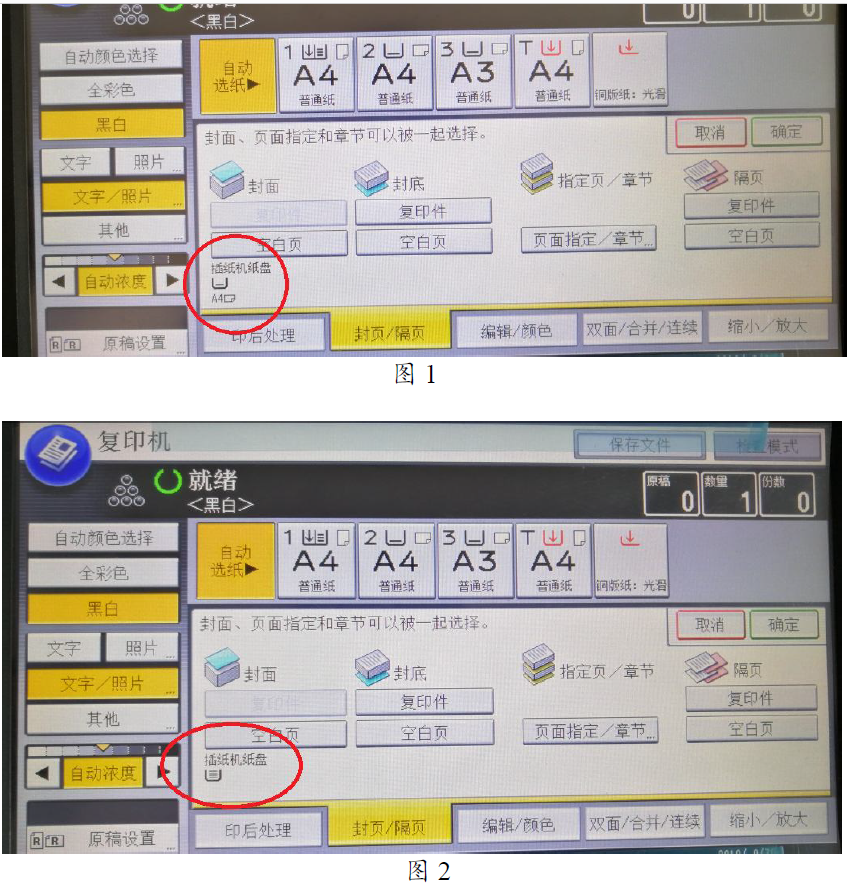
Phenomenon: Using the CI4040 cover feeder, A4 straight feed paper type can be recognized (Figure 1), while A4 horizontal feed paper type and A3 paper type are not recognized (Figure 2).
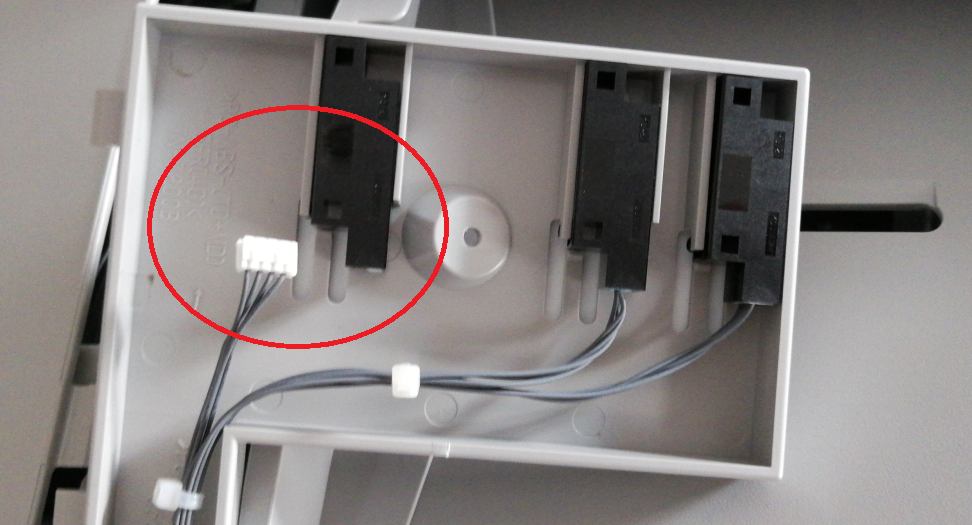
Diagnostic process: 1. Check the first set of paper type detection sensors of the cover page feeder and no abnormalities were found; 2. Check the paper type detection sensor of the second group (long paper detection) of the cover page feeder, and find that the connector of one sensor is loose, as shown in the position in Figure 3 below (it has not actually fallen off);
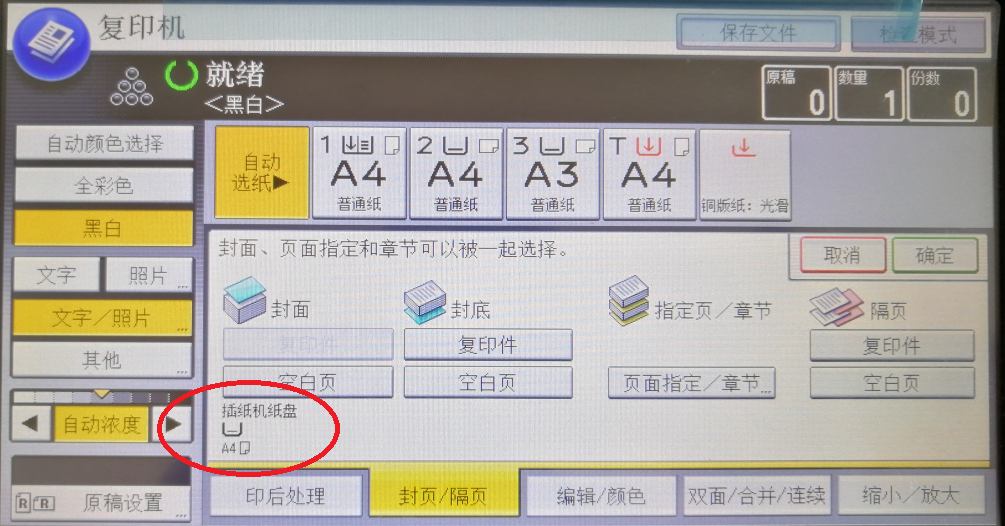
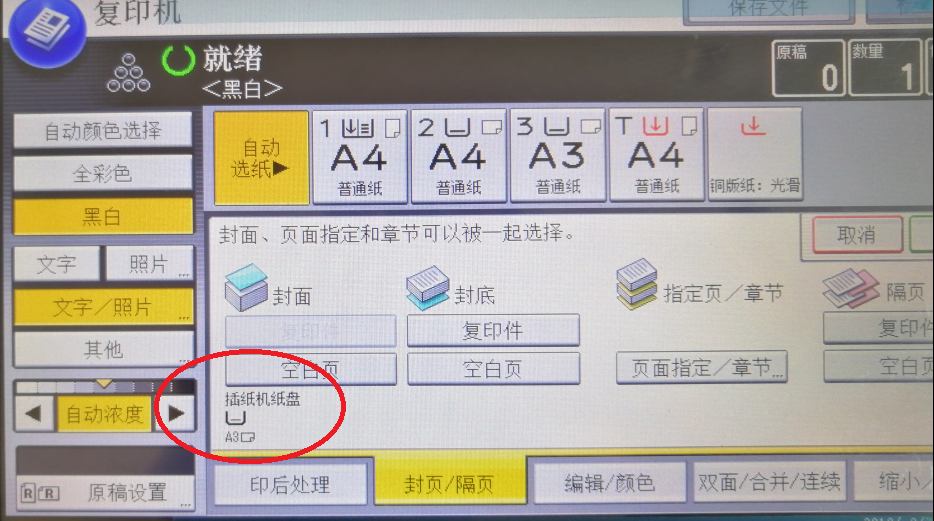
3. Reconnect the sensor plug to ensure it is secure and the paper display is normal (Figure 4, Figure 5).
Solution: Reconnect the sensor plug to make it secure, the paper display is normal, and the fault has been resolved. |
Address of this article:https://073868.com/post/5365.html
Copyright Notice:
For relevant infringements, reports, complaints and suggestions, please send E-mail:weixiuwang68@qq.com
Tags: #C8003 #c6003 #Paper feeder







