
|
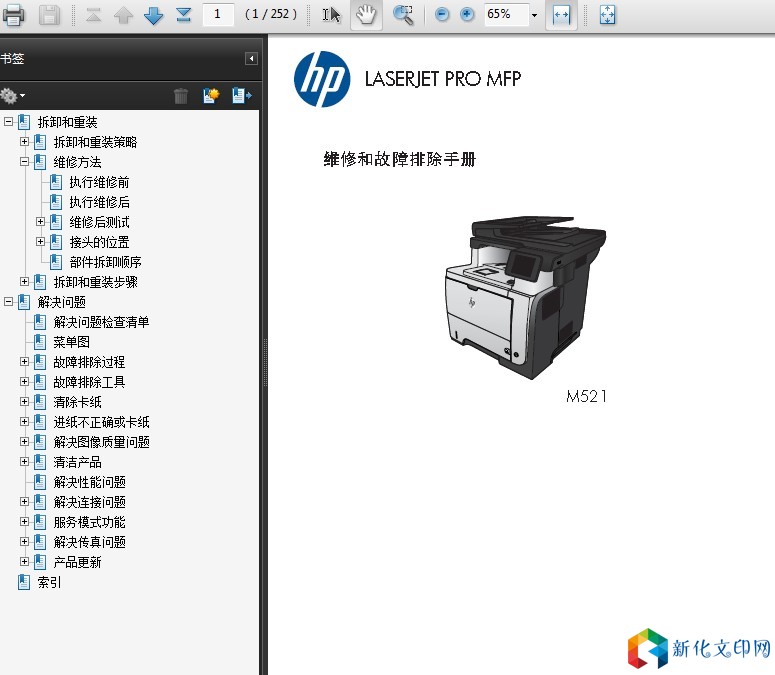
Product maintenance typically begins with the use of internal diagnostic procedures and includes the following two processes: 1. Determine which major system is causing the problem (e.g. network, server, or printer). 2. Use the steps in the "Problem Solving" section of the troubleshooting manual to troubleshoot. After identifying the faulty component, it is usually possible to repair the product at the component level by replacing the field replaceable unit (FRU). Some mechanical components may require maintenance at the sub component level. Before performing maintenance Remove all paper from the product. Use the power switch to turn off the power. Unplug the power cord and one or more interface cables. Place the product on an ESD workstation or ESD pad, or use an ESD wristband (if available). If there is no ESD workstation, ESD pad, or ESD wristband, please ground yourself by touching the metal plate chassis before touching ESD sensitive components. Remove the toner cartridge. Please refer to the toner cartridge on page 9. Remove the paper tray. Please refer to Tray 2 or Tray 3 components on page 10. After performing repairs Connect the power cord. Reinstall the toner cartridge. Reinstall the paper tray. If an optional feeder is installed, place the product on the feeder. Post repair testing Perform the following tests to check if the repair or reinstallation was successful. Print quality testing 1. Check if the necessary reinstallation steps have been completed. 2. Ensure that the paper tray contains clean, unmarked paper. 3. Connect the power cord and one or more interface cables, and then turn on the product power. 4. Check if there is an expected startup sound. The fan starts. 5. Print the configuration page and check if the expected printing sound appears. The fan starts while the drum rotates. 6. Print the demonstration page and check if the print quality meets the expected standards. Link: https://pan.baidu.com/s/1p55tbDkhdspZhbjcoS9kvA Extraction code: dmwe |
Address of this article:https://073868.com/post/522.html
Copyright Notice:
For relevant infringements, reports, complaints and suggestions, please send E-mail:weixiuwang68@qq.com







