|
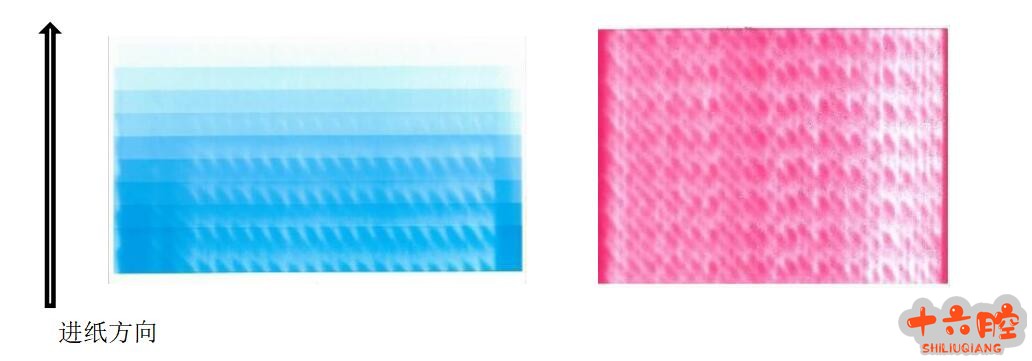
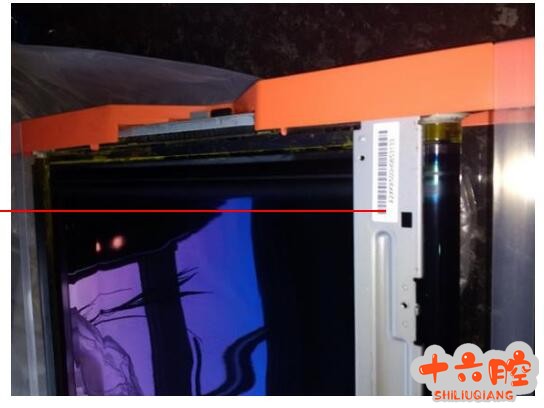
Model bizhub 368,bizhub 368e,bizhub 458,bizhub 458e,bizhub 558,bizhub 558e,bizhub 658e,bizhub C224,bizhub C224e,bizhub C258,bizhub C284,bizhub C284e,bizhub C308,bizhub C364,bizhub C364e,bizhub C368,bizhub C454,bizhub C454e,bizhub C458,bizhub C554,bizhub C554e,bizhub C558,bizhub C654,bizhub C654e,bizhub C658,bizhub C659,bizhub C754,bizhub C754e Developer leakage leads to edge dirt and image fading (blurring), and premature failure of the developing unit/image unit 1. Symptoms During printing, due to developer leakage, there are symptoms of dirty paper edges and blurry images. (Blue and magenta are particularly affected)
The second symptom may appear as a shiny line at the back end of the transmission belt, and may occur before or exactly at the same location as the above symptoms
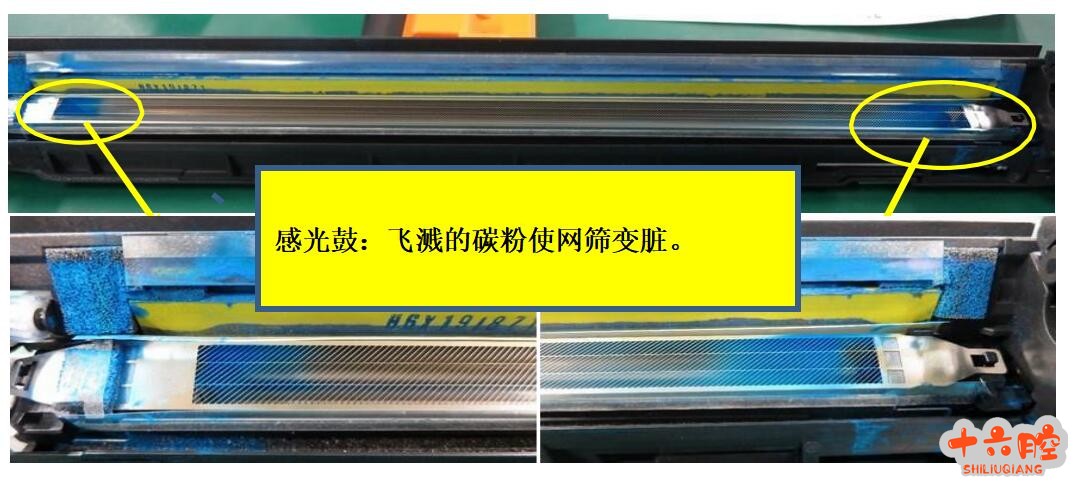
Reason 1) Low coverage of carbon powder (Refer to section2page)。Reason 2) The carbon powder filtration system is clogged(Refer to section4page)。Reason 3) Exceeding lifespan or incorrect consumables.(Refer to section6page)。Appendix (Refer to section8page)。2. Reason 1When continuously using low color printing coverage (less than 3%) for printing, the amount of toner charge in the developing unit will decrease, leading to toner splashing and contaminating the charge grid.The contaminated charge grid increases the surface potential of the photosensitive drum unit, causing the developer to adhere to the photosensitive drum unit, and then the amount of developer in the developing unit will decrease. Ultimately, it leads to dirty paper edges and blurry images.
1. Call up the maintenance mode on the screen. 2. Press [Imaging Process Adjustment] ->[TCR Level Setting]. 3. Use the number keys and [+/-] keys to enter the new setting value.
5. Check a single image for any image malfunction. Link: https://pan.baidu.com/s/1H-IzAcpfpNzJl5GLVC4ciA Extraction code: w88x |
Kemei C554e, C284458: Leakage of developing medium causes edge dirt and image fading (blurring)
290
0