|
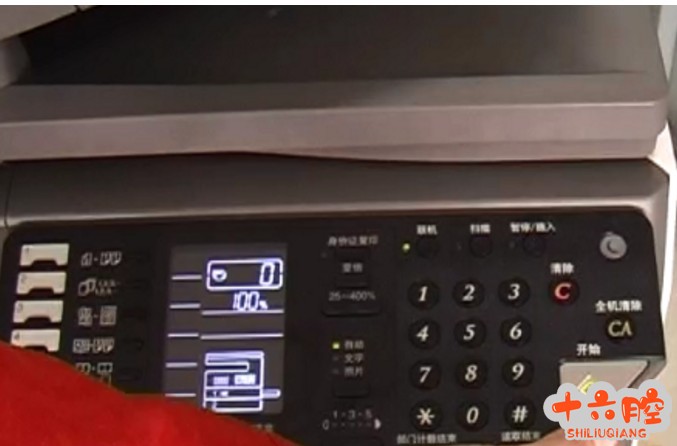
Sharp AR2048S/2348D/N/S/2648NS/3148NS series firmware upgrade package USB upgrade Generally, there is no response after preheating the machine, the brightness in the middle of the exposure lamp is dim, the copying is unclear, and the printing is normalPrinting unresponsive and other issues can be resolved through firmware upgrades, which is a common problem with 2048 series models 1.The steps and methods for upgrading the motherboard can be found in the firmware compression package tutorial and instructions. This firmware can solve the problem of normal printing but unable to copy. Pressing the copy button does not work and does not generate any errors. Some machines may experience firmware program failures, which can also be resolved.SharpAR2048S/N/D/2348D/N/S/2648NS/3148NSSeries upgrade package (if there are any problems, upgrade first. After decompression, there are tutorials, upgrade tools, upgrade drivers, and upgrade packages)2.NUpgrading steps for series printing card chips (only applicable to)2048N-2348N-2648N-3148N)Turn off the copier and copy the corresponding model print card upgrade program that has been decompressed into it URoot directory, recommendation 4GOr belowUDisk, insertUPlate. Link: https://pan.baidu.com/s/1hYe_wT2FmMxURpwQpe0P3Q Extraction code: ferc |
-
O1CN01mIFNNQ2B9A0Qs4BzG_!!291898295.jpg (45.7 KB, download count: 72)
Download attachment Set as cover
2020-12-9 17:41 Upload