
|
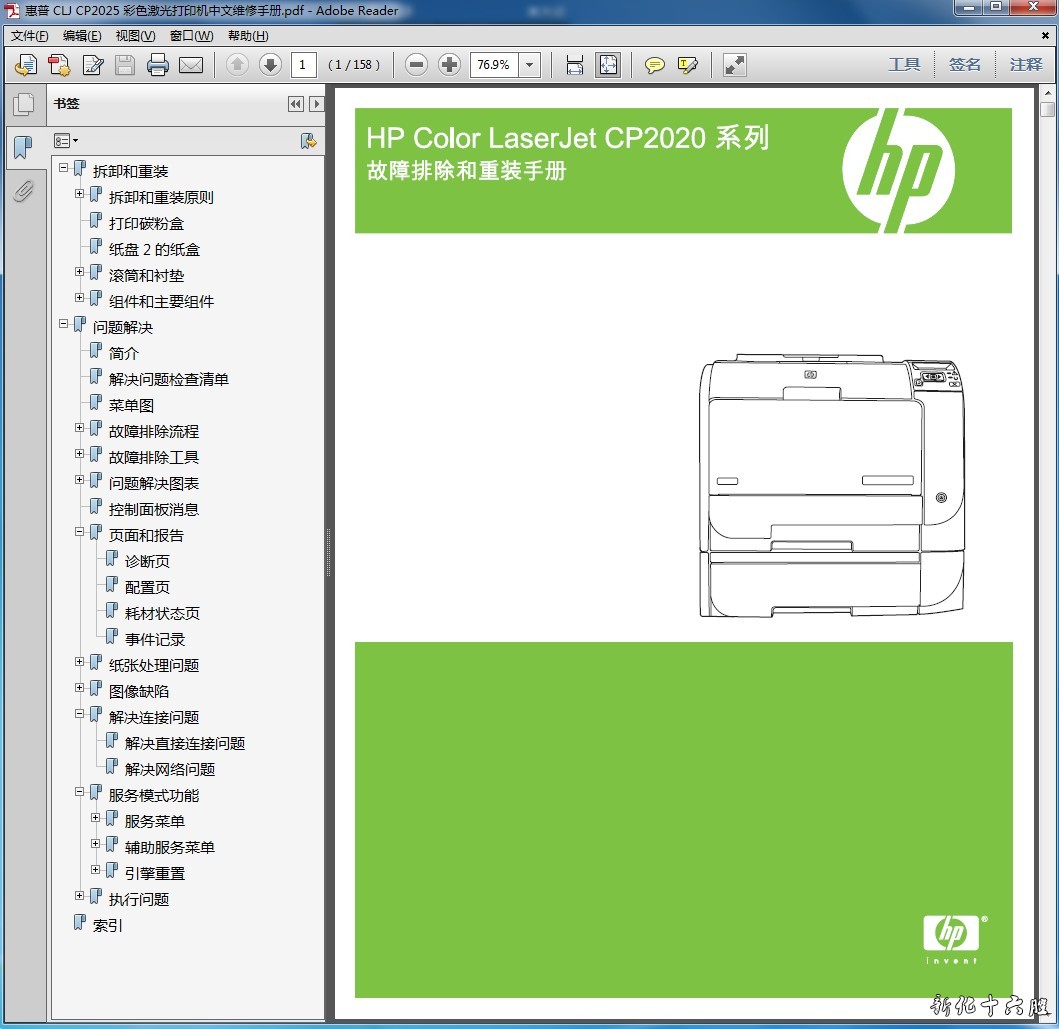
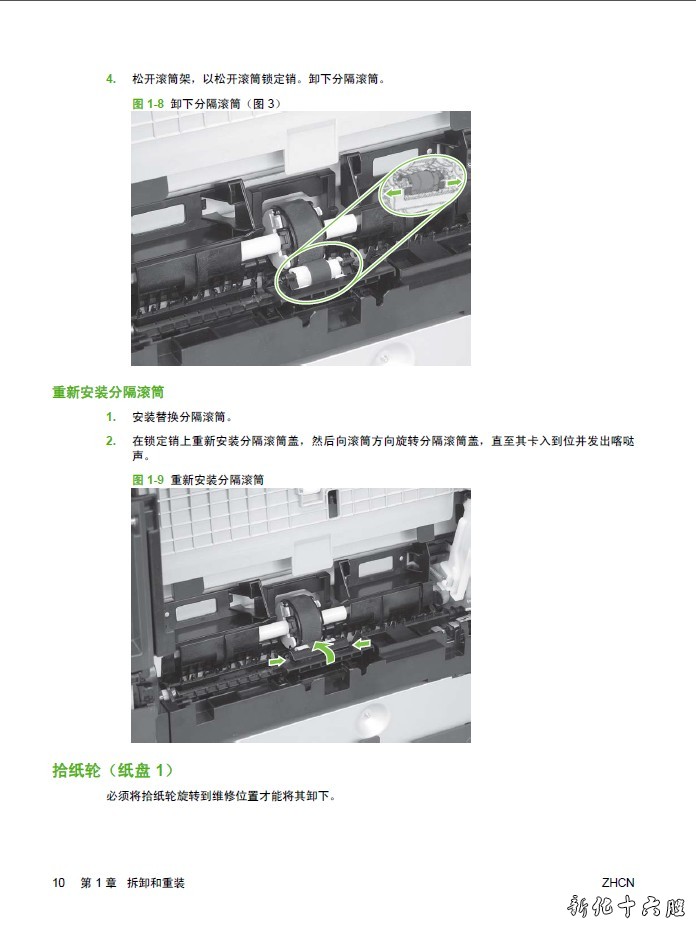
Language: ChineseFormat:PDFElectronic, no encryptionPage count: 158 pagesThe manual is detailed and illustrated. It is a good helper for maintenance personnel. With the maintenance manual, you don't have to worry about the disassembly and troubleshooting of this machine.!Even ordinary users can solve simple faults according to the maintenance manual.
Print speedPrinting speed refers to the number of pages printed per minute. The printing speed depends on the engine processing speed or printing between two pages during normal product operationThe pause time. The factors that determine the printing speed of a product include:Page format setting timeBefore printing each page, the product must pause for a period of time to set the page format. Complex pages may require more time to completeFormat setting, resulting in a decrease in printing speed. However, most assignments are printed at full engine speed (Letter size media is 21 ppm; The A4 size medium is 20 ppm.● Color modeMonochrome printing (black only) provides the fastest printing speed. Full color printing jobs can cause a decrease in printing speed.● Medium sizeLegal sized media will slow down printing speed as it is longer than standard Letter or A4 sized media. When printing narrow mediaUse a slower printing speed to prevent overheating of the edges of the condenser.● Medium modeSome media types require slower printing speeds in order to achieve the highest print quality on that medium. For example, glossy paper, heavyScale paper and special media (such as envelopes or photo paper) require slower printing speeds. To print special classes at the fastest speed possiblePlease make sure to select the correct media type in the print driver for the type of media.● Product temperatureTo prevent product damage, if the internal temperature of the product reaches a certain level, the printing speed will be reduced (thermal deceleration). Initial temperature and cycle of the productThe ambient temperature and printing job size can both affect the number of pages that can be printed before the product reduces printing speed. The thermal deceleration passes belowReduce printing speed: pause for a period of time every 4 pages before resuming printing.Other factors that cause a decrease in printing speedOther factors that may cause a decrease in printing speed, especially when printing large assignments, include:ITB cleaning and lubrication; It takes about 60 seconds to complete every 50 to 80 pages.CPR control sequence; Every 450 pages, it takes approximately 90 seconds to complete.Concentration control sequence; Every 150 pages, it takes approximately 120 seconds to complete.Link: https://pan.baidu.com/s/1qgMZqcjRCvfJc7xuIHGjeQ&shfl=sharepset Extraction code: 6jvn |
Address of this article:https://073868.com/post/4216.html
Copyright Notice:
For relevant infringements, reports, complaints and suggestions, please send E-mail:weixiuwang68@qq.com







