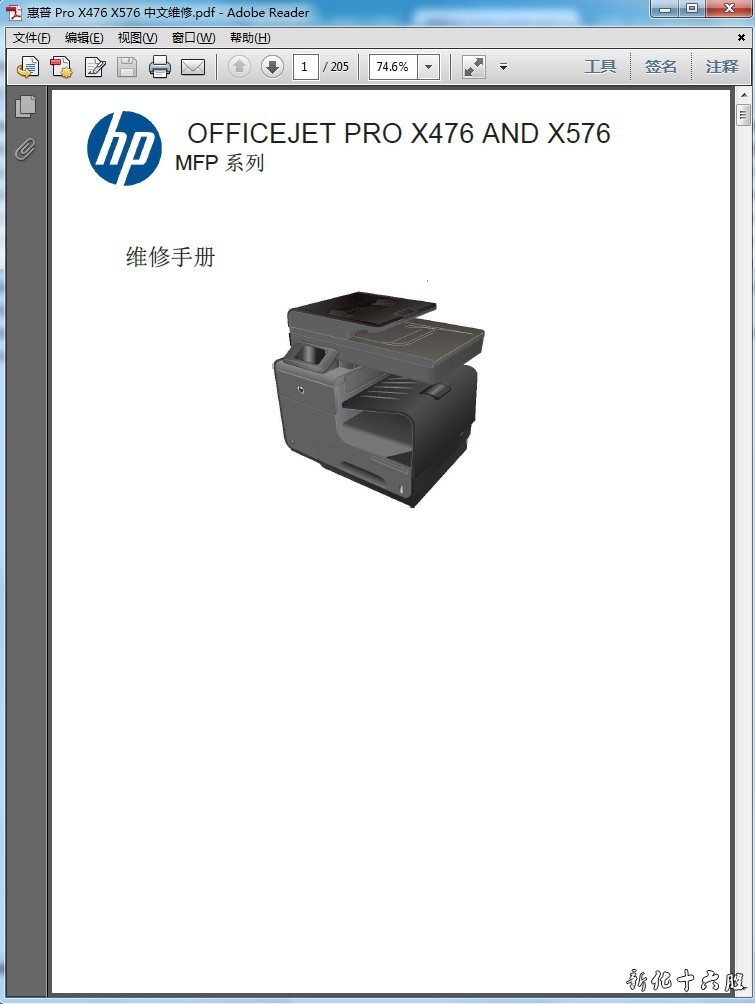
HP HP X476 X576 X476dw X576dw color inkjet machine Chinese repair manual
Visitor3340
Language: ChineseFormat:PDFElectronic, no encryptionNumber of pages: 205 pagesThe manual is detailed and illustrated. It is a good helper for maintenance personnel. With the maintenance manual, you don't have to worry about the disassembly and troubleshooting of this machine.!Even ordinary users can solve simple faults according to the maintenance manual.
Menu AccessThese hidden engineering menus are used for testing and calibration. References in part or in whole as required in the Deletions and Replacements section..Warning! Misuse of these menus can damage the product or make it unusableNote: These buttons are not illuminated until they are exposed to sufficient pressure. To find these buttons place your finger in the general areaThe location of the x476 / x576 control panel buttons shown in Figure 1-18 is on page 14.Figure 1-18 X476/X576 control panel button locationEnter the engineering menu● Touch the Home button. Touch Home button● Touch the Back button. Touch the button.● Touch the Home button twice to enter the Engineering menu. Touch the home button twice to enter the engineering dishSingleNote: The Service menu is accessed from the Engineering menu. Access the Services menu from the Project menu.Accessing the Support MenuTouch the Back button four times consecutively to open the Support Menu. Four consecutive touches back pressbutton to open the support menu.Note: The Support Menu is usually used by HP call center agents for assisting customers. Support menu passOften used by HP call center agents to assist customers..The product manufacturing (production) modelNote: These two modes are only available to authorized service providers.. They should not be accessed by the end user..● Press and hold the power button while blocking the product. The HP logo appears on the product control panel and then disappears. Continue to hold the power button afterThe five-second mark disappears..● Release the power button. Release the power button● Touch the Home button.● Touch the Home button.● Touch the Back button.● Touch the button.Link: https://pan.baidu.com/s/1KbbMtk0Xi3iByznpkGnwHw&shfl=sharepset
Extraction code: ixqr