
|
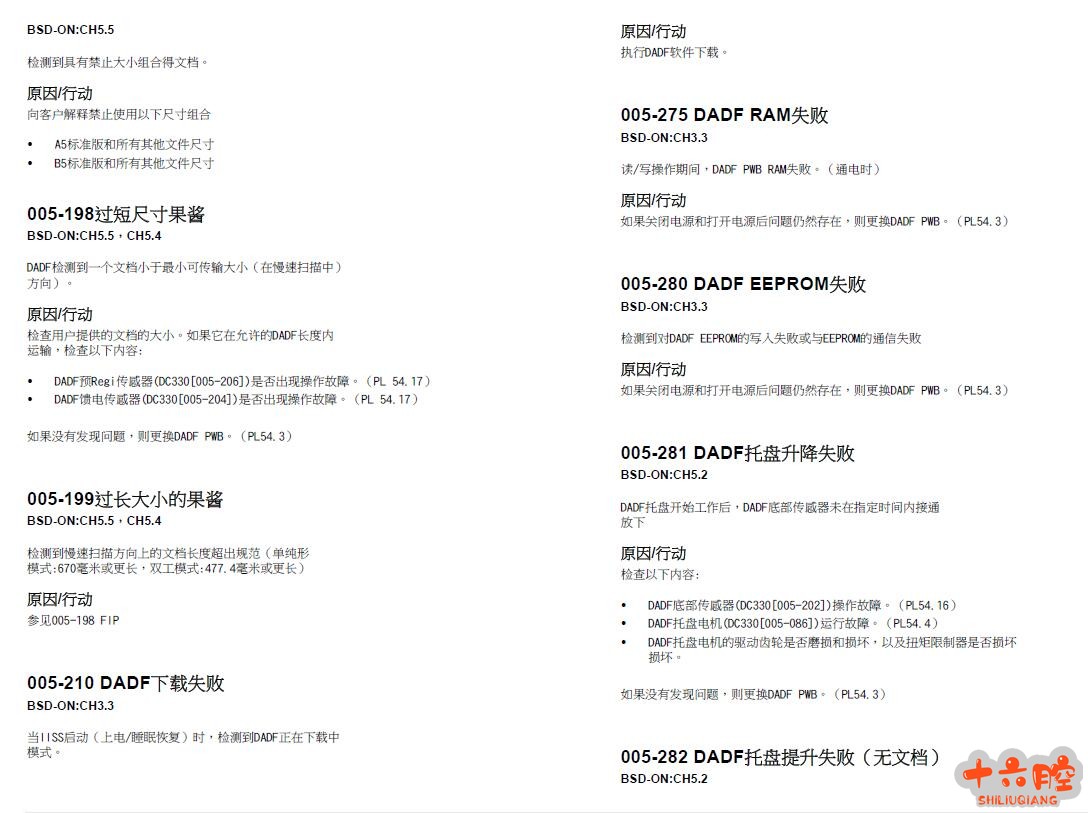
Fault code 049-100 Reason: There is a top tray sensor malfunction in HCS. Remedial measures: The following have been implemented: Power off/on the machine If the problem persists, please contact the customer support center. Carefully remove all paper and paper debris from the cardboard removal area.
49-101 Reason: There is a top tray sensor malfunction in HCS. Remedial measures: The following have been implemented: Power off/on the machine If the problem persists, please contact the customer support center. Carefully remove all paper and paper debris from the cardboard removal area. 049-102 Reason: There is a top tray sensor malfunction in HCS. Remedial measures: The following have been implemented: Power off/on the machine If the problem persists, please contact the customer support center. Carefully remove all paper and paper debris from the cardboard removal area. 049-104 Reason: HCS bypass outlet sensor malfunction Remedial measures: The following have been implemented: Power off/on the machine If the problem persists, please contact the customer support center. Carefully remove all paper and paper debris from the cardboard removal area. 49-105 Reason: HCS bypass outlet sensor malfunction Remedial measures: The following have been implemented: Power off/on the machine If the problem persists, please contact the customer support center. Carefully remove all paper and paper debris from the card jam removal area 049-106 Reason: HCS bypass outlet sensor malfunction Remedial measures: The following have been implemented: Power off/on the machine If the problem persists, please contact the customer support center. Carefully remove all paper and paper debris from the cardboard removal area. 049-108 Reason: HCS bypass outlet sensor malfunction Remedial measures: The following have been implemented: Power off/on the machine If the problem persists, please contact the customer support center. Carefully remove all paper and paper debris from the cardboard removal area. 049-113 Reason: Stacker sensor malfunction Remedial measures: The following have been implemented: Power off/on the machine If the problem persists, please contact the customer support center. Carefully remove all paper and paper debris from the cardboard removal area. This manual is a Chinese manual translated from English, with certain differences and accuracy errors. Please do not download if you mind,Please find attached the original English repair manual as a reference. File opening password: www.16qiang.cn Link: https://pan.baidu.com/s/1RG-NY4G88oNFlVOWzKtRyg Extraction code: a5ip Xerox C75, J75 User Management Manual in English Link: https://pan.baidu.com/s/1X2JJD6R_2l-2CKsmHir0jg Extraction code: p13l |
Address of this article:https://073868.com/post/4205.html
Copyright Notice:
For relevant infringements, reports, complaints and suggestions, please send E-mail:weixiuwang68@qq.com







