
|
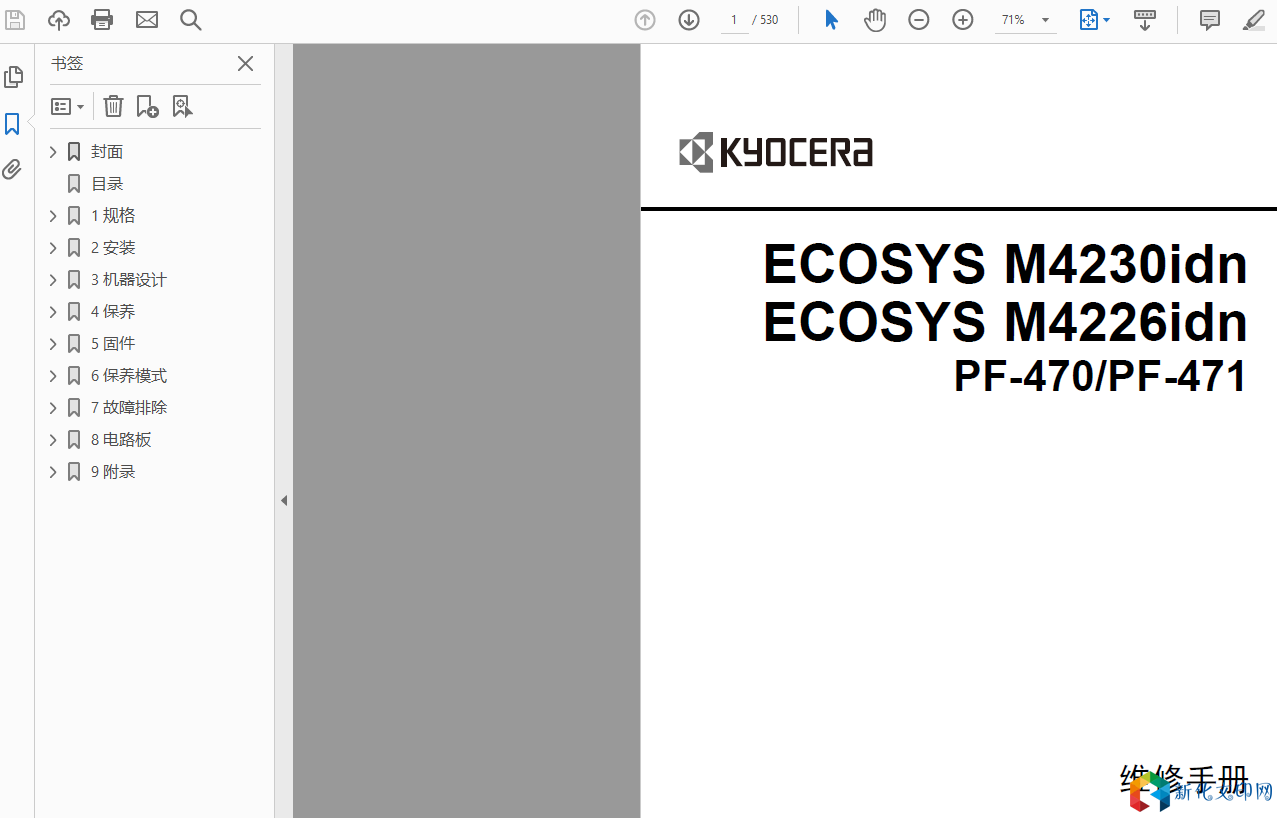
Chinese PDF, Page 530
Imaging issues (1) Isolation image fault location How to find the cause Print MIP-PG pattern on U089 to check for image faults. Yes: engine factor No: Scanner factor Check if the image malfunction is zooming in or out in zoom mode. Yes: Scanner factor 1. Scanner factor: Refer to [Image malfunction during copying or sending] (see page 7-2 or 7-10). The problem caused by the scanning factor of the LED light used for the original manuscript on the manuscript glass → [CCD] is isolated by the scanning position of the original manuscript. a. Single sided document feeder (scanned by the host [CCD]) b. On the glass of the manuscript table (scanned by the host [CCD]) 2. Image malfunctions caused by engine factors (refer to pages 7-17 or 7-23) (main charging -->photosensitive drum -->LSU -->developer -->transfer imaging processing malfunction) C0060 Engine Circuit Board Communication Error C0100 backup storage device error C0120 MAC address data error C0130 Backup Memory Read/Write Error C0140 backup storage data error C0150 engine EEPROM read/write error C0160 EEPROM data error C0170 charger counting error C0180 machine serial number mismatch C0190 Backup Storage Device Error (Engine) C0500 engine firmware detected driver lock C0510 High Voltage Remote Control Error C0520 development control error C0530 backup task error C0540 Engine Firmware Unexpected Control Detection C0800 Image Processing Error C0840 RTC Error C0980 24V power interruption detection C1010 lifting motor 1 error C1020 PF lifting motor 1 error C1030 PF lifting motor 2 error Link: https://pan.baidu.com/s/12wsO5-Cy1cGWXxVCB_Tgmw Extraction code: fqrt |
Address of this article:https://073868.com/post/4174.html
Copyright Notice:
For relevant infringements, reports, complaints and suggestions, please send E-mail:weixiuwang68@qq.com
Tags: #M4230idn #M4226idn #Kyocera #Maintenance Manual







