
|
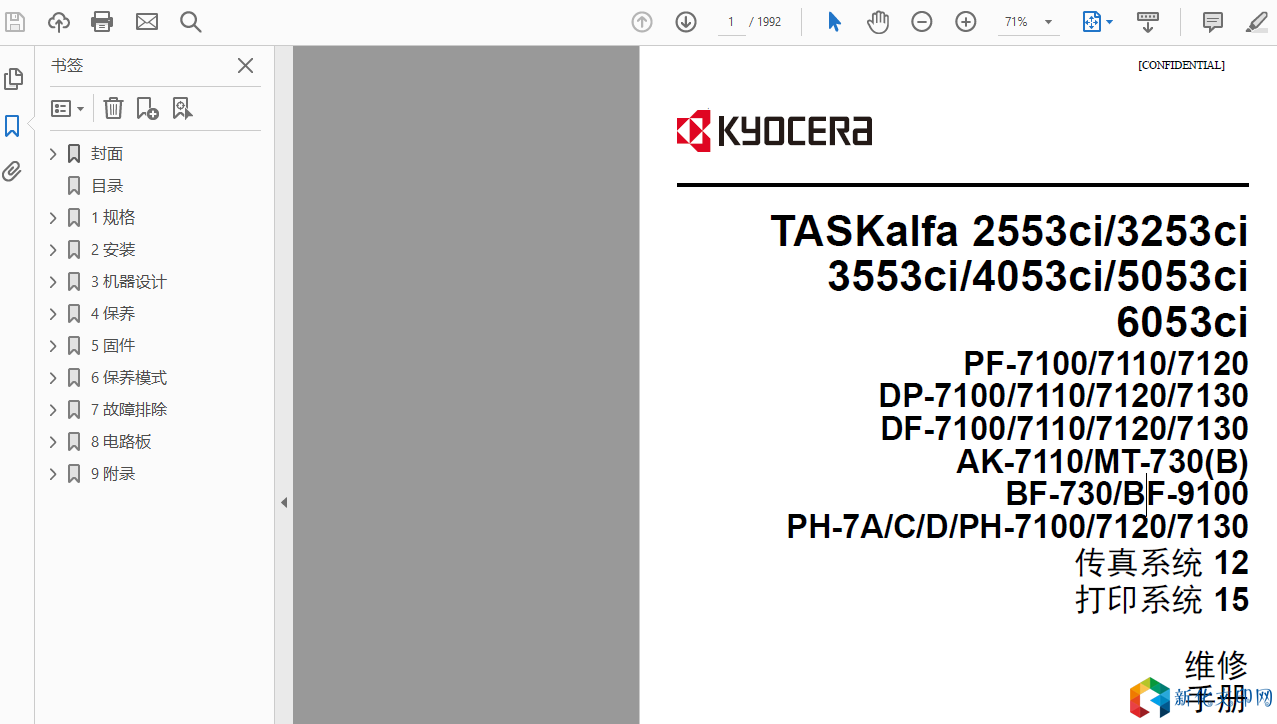
Kyocera TASKalfa 2553ci2 2533ci 4053ci 5053ci 6053ci Maintenance Manual+English Parts Manual
(1) Display 'Check Manuscript Feeder' (2) After removing/inserting the paper box and checking/removing the remaining paper in the main unit, it still displays [Error in Paper Box X] (Paper Boxes 1, 2) (3) After removing/inserting the paper box and checking/removing the remaining paper in the host, it still displays [Paper box X error] (Paper boxes 3, 4) (4) After closing the front cover, display the information that the cover is open (5) After closing the right cover plate or maintaining the front cover plate, the cover plate opening information will be displayed (6) Display the information of adding paper when loading paper into the manual paper tray (7) The error message "Waste powder box is full" is displayed. (8) When using the document feeder, an error message appears stating 'Take out the original manuscript from the feeder' (9) When using the document feeder, there is a problem of not submitting the manuscript and it displays' Replace all original manuscripts' (10) The control panel keeps displaying 'network device is starting'. (11) Installed a waste powder box, but it shows' Install waste powder box '. (12) The operation panel keeps displaying 'Close the waste powder box cover'. (13) When scanning to SMB, it displays' memory full '. (14) Display 'Check toner cartridge' when toner is available. (15) Frequent display of the message 'toner cartridge not installed correctly'. Link: https://pan.baidu.com/s/1MJI2g2tXPHkcg7Tg_30tug Extraction code: 93fd |
Address of this article:https://073868.com/post/3814.html
Copyright Notice:
For relevant infringements, reports, complaints and suggestions, please send E-mail:weixiuwang68@qq.com







