
|
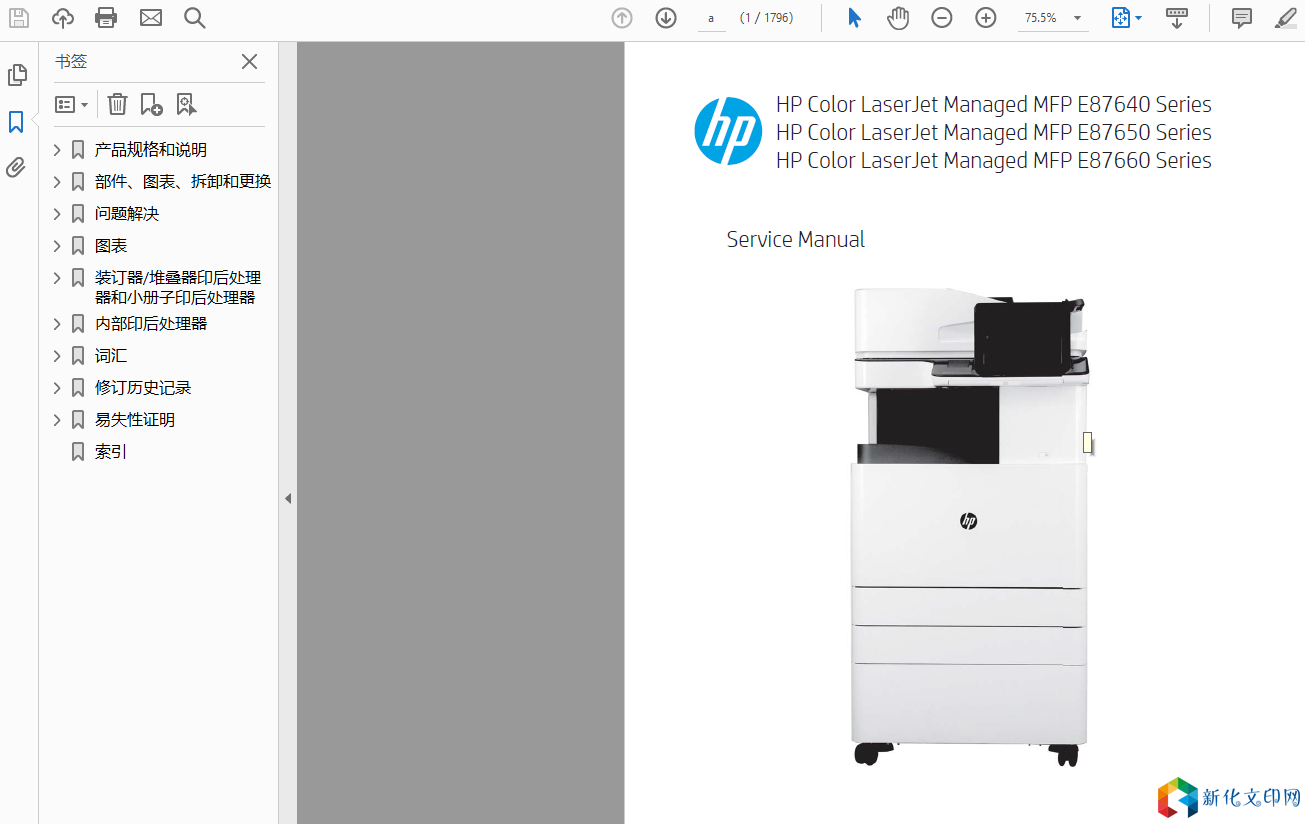
Language: ChinesePage count: 1796
Overview of troubleshooting error codes and control panel messagesError codeError codes and control panel messages are displayed on the printer control panel to indicate the current printer status or situations that may require action. The error code is a number or alphanumeric and follows a fixed structure of six characters (e.g. 13. WX. YZ). ●The first two characters are numbers, representing the system component that caused the error. For example, in error code 10.22.15, 10 represents consumables for HP LaserJet. ●The remaining four characters (WX, Y, and Z values) are further defined incorrectly. The error codes for HP LaserJet and HP PageWide Enterprise are recorded in the Control Panel Message Document (CPMD) for each printer. CPMD is a comprehensive list that includes error codes, diagnostic and troubleshooting steps for clearing or resolving errors, and other useful information such as maintenance mode PINs and part numbers. CPMD continuously updates and republishes with the latest information on the following error codes.10.WX.YZConsumables (LaserJet)Consumables error or consumables storage error.11.WX.YZreal-time clockThe clock on the formatting board has encountered an internal error.13.WX.YZCardboard (LaserJet)Paper jam or cover opening error.15.WX.YZCardboard (Page Wide)Paper jam or cover opening error.17.WX.YZConsumables (Page Wide)Consumables error or consumables storage error.20.WX.YZprinter memoryInsufficient memory capacity or buffering error.Link: https://pan.baidu.com/s/1M3VQi8AuTCtLqK1hOkO-bQ Extraction code: 4mon |
Address of this article:https://073868.com/post/4024.html
Copyright Notice:
For relevant infringements, reports, complaints and suggestions, please send E-mail:weixiuwang68@qq.com







