
|
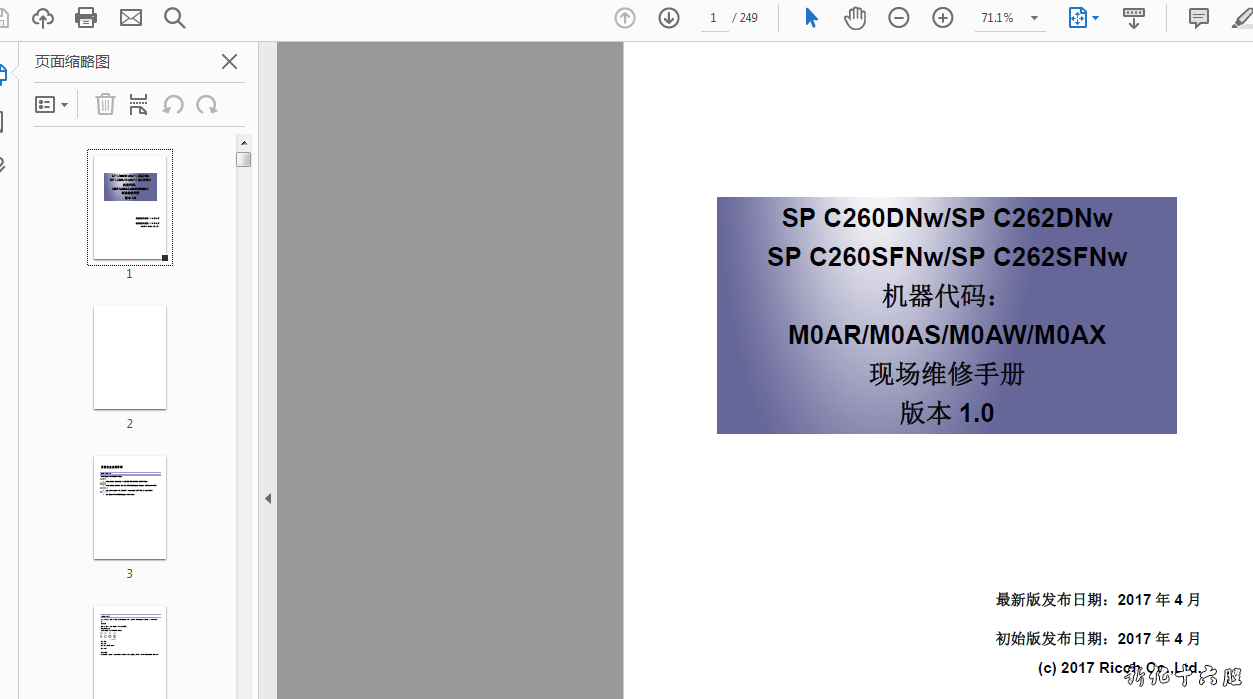
SP C260DNw/SP C262DNw SP C260SFNw/SP C262SFNw Open the front cover of the machine when performing step 3. 1. Open the front cover and start the machine. 2. Enter SP mode. 3. Execute "Reset Transfer Unit" in [Engine Maintenance Settings]. In the printer model, perform the "Reset Transfer" in [Engine Maintenance]. 4. Close the front cover plate. 5. Execute the "Transfer Belt Adjustment" in the [Engine Maintenance Settings]. In the printer model, perform the "Transfer Belt Adjustment" in [Engine Maintenance]. 6. If necessary, adjust the alignment settings of each paper tray and the alignment settings of the front and back of the paper in SP mode.
Link: https://pan.baidu.com/s/1__B68hrEXYBN5fa8fuh_wQ Extraction code: glgz |
Address of this article:https://073868.com/post/3921.html
Copyright Notice:
For relevant infringements, reports, complaints and suggestions, please send E-mail:weixiuwang68@qq.com
Tags: #SP C260DNw #SP C262SFNw







