
|
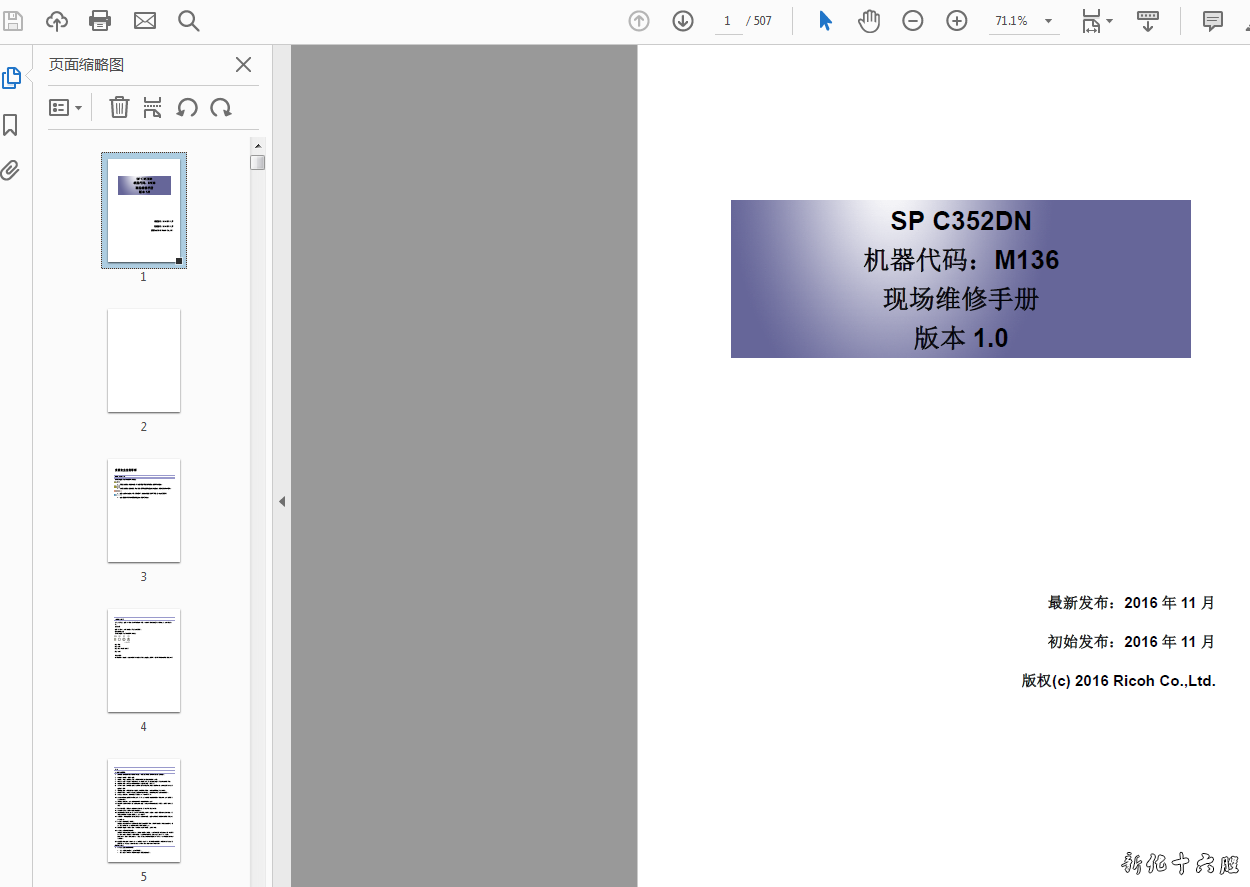
Language: ChinesePage count: 507Shutdown method1. Press the main power switch on the left side of the machine.After closing the process, the main power automatically shuts down.When shutdown is completedOperation panel LED: off2. Pull out the power cord.3. Wait for 3 minutes (this is the required time, for example, if you remove the back cover and enter the machine to remove the controller board).Note: If some LEDs on any board flash or light up, it indicates that there is still current.How to start from shutdownTo start the machine, press the main power switch. However, if you press the main power switch before and after shutting down, the machine will not startMove.Force shutdownIf the normal shutdown cannot be completed for some reason, the machine has a forced shutdown function.To perform a forced shutdown, press and hold the main power switch for 6 seconds. Normally, forced shutdown is not allowed
Extraction code: cck5 |
Address of this article:https://073868.com/post/1952.html
Copyright Notice:
For relevant infringements, reports, complaints and suggestions, please send E-mail:weixiuwang68@qq.com







