
|
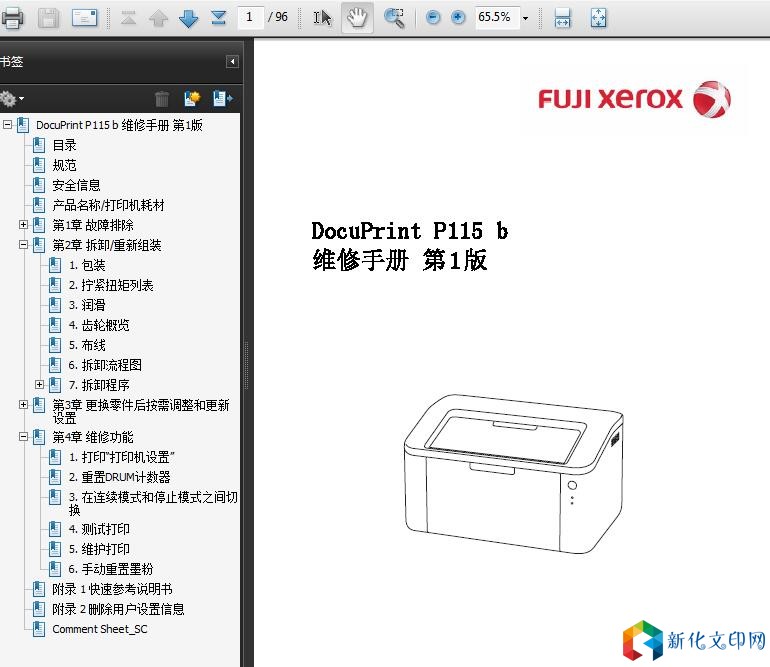
Xerox DocuPrint P115b repair manual Fuji Xerox 115b Chinese repair manual Paper tray part jam Paper Jam in Paper eject path <用户检查> -Select "Reduce Paper curl mode" in the driver ". -Confirm that the paper thickness is in accordance with the standard. <用户检查> -Rotate the paper in the paper tray 180 degrees. -Unfold and reposition the paper stack inside the Paper tray. -Confirm that the paper thickness is in accordance with the standard. -Confirm that no tag is blocking the Paper feed path.
Link: https://pan.baidu.com/s/1Y99cq1ZBRNYR-qYbZuJPpQ&shfl=sharepset提取码:ufqt After copying this content, open Baidu's internet disk mobile phone App, which is more convenient to operate. |
Address of this article:https://073868.com/post/3912.html
Copyright Notice:
For relevant infringements, reports, complaints and suggestions, please send E-mail:weixiuwang68@qq.com







